
Extract Text From Any PDF
Pull text from any PDF — native, scanned, or handwritten — with 99% AI accuracy. Preserves paragraphs, tables, and structure. Free to start. Batch + API for teams.
First 100 pages free. Works on scans, handwriting, and multi-column layouts. No credit card required.
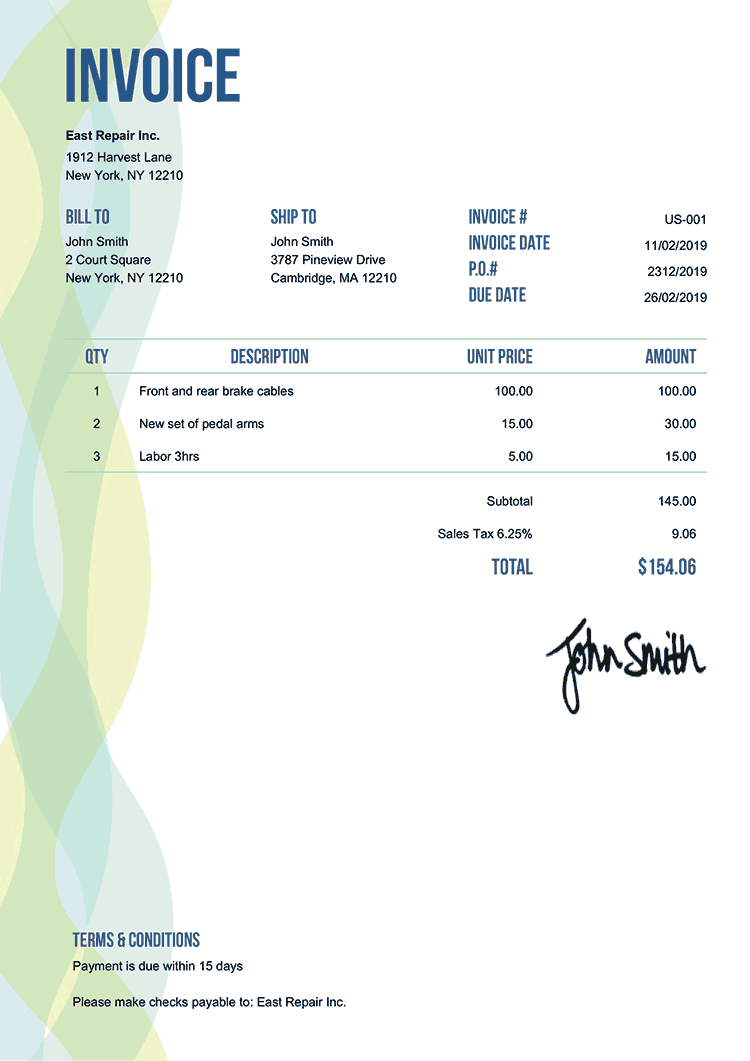
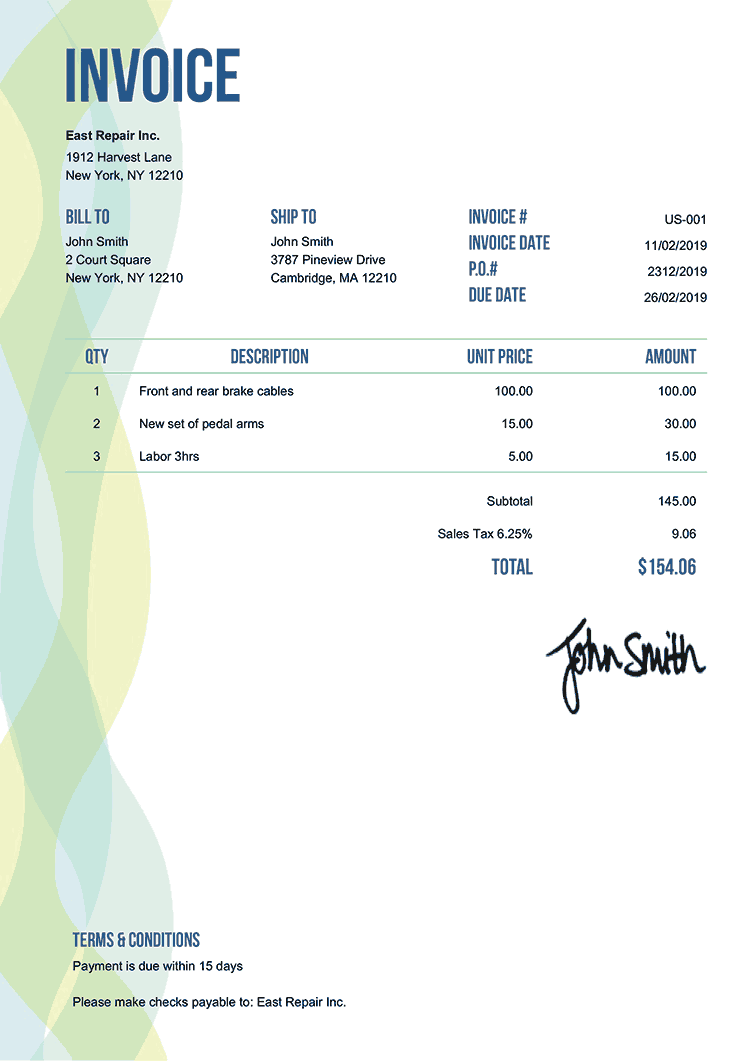
EXTRACTING FIELDS FROM INVOICE...

Trusted by analysts, researchers, and ops teams pulling text from PDFs at scale





99%
Accuracy (incl. scans + handwriting)
<3s
Per PDF Extracted
0 install
Hosted SaaS — Just Upload
Free
first 100 pages free
Extract text from a PDF in 3 steps
Step 1
Drop your PDF
Drag-and-drop one or many PDFs. Or forward emails with PDF attachments. Or POST via REST API for automated pipelines.
Step 2
AI extracts every word
Parsli's multimodal AI reads the PDF visually — handles native text, scans, handwriting, rotated pages, multi-column layouts, and tables.
Step 3
Download or auto-push
Get plain text, structured JSON, or a searchable PDF. Download directly or push to Google Sheets, your database, or any system via webhook/API.
Flexible Data Capture
What you get back from any PDF
Plain text, structured paragraphs, tables, headers — all extracted with layout preserved. Same outputs whether the PDF is native, scanned, or handwritten.
FullText
Every word from every page — searchable and copyable
Paragraphs
Structured by paragraph — formatting preserved
Tables
Tables extracted with row/column structure intact
Headers
Page headers, titles, and section markers
PageMetadata
Page numbers, sections, document structure
Handwriting
Handwritten notes — read by multimodal AI
SearchablePDF
Original PDF with OCR layer embedded — searchable
First 100 pages free. No install. No credit card required.
See PDF text extraction in action
Drop any PDF — native, scanned, or handwritten — and watch every word extracted with structure preserved. Works on documents copy-paste from Adobe Reader can't touch.
No credit card required. Cancel anytime.
What our customers say
“I'm a researcher pulling text from hundreds of academic PDFs every week. pdfplumber broke on every scanned paper. Parsli's AI handles every one — and gives me structured paragraphs, not garbled blocks.”
Dr. Elena S.
Research Scientist, University Lab
“We needed to OCR a year of scanned contracts and pull the text into our knowledge base. Parsli got through 800 PDFs in an afternoon — including the handwritten margin notes our old OCR tool ignored.”
Tom B.
Legal Operations, Mid-Size Law Firm
Why teams pick Parsli over pdfplumber, PyPDF, and copy-paste
Works On Scans And Handwriting
pdfplumber, PyPDF, and Adobe Reader copy-paste only work on native PDFs with embedded text. Parsli's AI reads scans, photos, and handwriting too — same accuracy across all formats.
Preserves Structure
Paragraphs, tables, multi-column layouts, headers/footers — all preserved in the extracted text. No more re-formatting after extraction.
Hosted SaaS + API
No Python install, no model setup, no Docker container. Sign in, upload, get text. Full REST API and webhooks when you're ready to automate.
Push extracted text wherever you need it
Plain text, structured JSON, or searchable PDF — into your downstream system in seconds.

Plain Text Download
Get .txt or .md files — same as you'd expect

Searchable PDF
PDF with OCR layer embedded — fully searchable
Google Sheets
Append rows of extracted text in real time

Zapier
Route to 5,000+ apps — Notion, Slack, Airtable

Webhooks
POST structured JSON to any URL

REST API
Full programmatic access — for pipelines
First 100 pages free. Connect any system in 2 minutes.
Parsli vs. pdfplumber vs. Adobe Reader copy-paste
| Feature | Others | Parsli |
|---|---|---|
| Native PDFs | All work fine | Works fine |
| Scanned PDFs | pdfplumber/PyPDF: empty result · Adobe Reader: no selectable text | AI reads visually — full text |
| Handwriting | Not supported | Built-in |
| Tables / multi-column | Loses structure — garbled blocks | Preserves table and column structure |
| Batch processing | pdfplumber: code it · Adobe: file-by-file | Drag-and-drop batch + REST API |
| Setup | pdfplumber: Python + pip install · Adobe: paid software | Sign in, upload — done |
| Price | Free + dev time, or Adobe $14.99/mo | 100 pages free, then from $25/mo |
No credit card required. Cancel anytime.
Simple volume-based pricing
Get 2+ months for free!
How many pages do you process per month? Move the slider.
0 pages / month
$0
First 100 pages free
Get Started FreeAll prices exclusive of VAT/GST, where applicable.
What's included?
- 1 page = 1 credit
- 0 credits valid for a month
- Credits renew every month
- Cancel at any time
- Invite team members
- Advanced post-processing
- Email support
Frequently asked questions
Pull text from your first PDF in 30 seconds
Drop a PDF, see every word extracted — even from scans and handwriting. No install, no credit card.
No credit card required. Cancel anytime.
“I'm a researcher pulling text from hundreds of academic PDFs every week. pdfplumber broke on every s...”— Dr. Elena S., University Lab