
Extract Data From Any PDF
Pull structured data and tables from any PDF — native, scanned, multi-page, or complex layouts — with AI. No templates, no Python scripts, no per-vendor configuration. Free to start. Batch + API for teams.
First 100 pages free. Works on scans, tables, and multi-page documents. No credit card required.
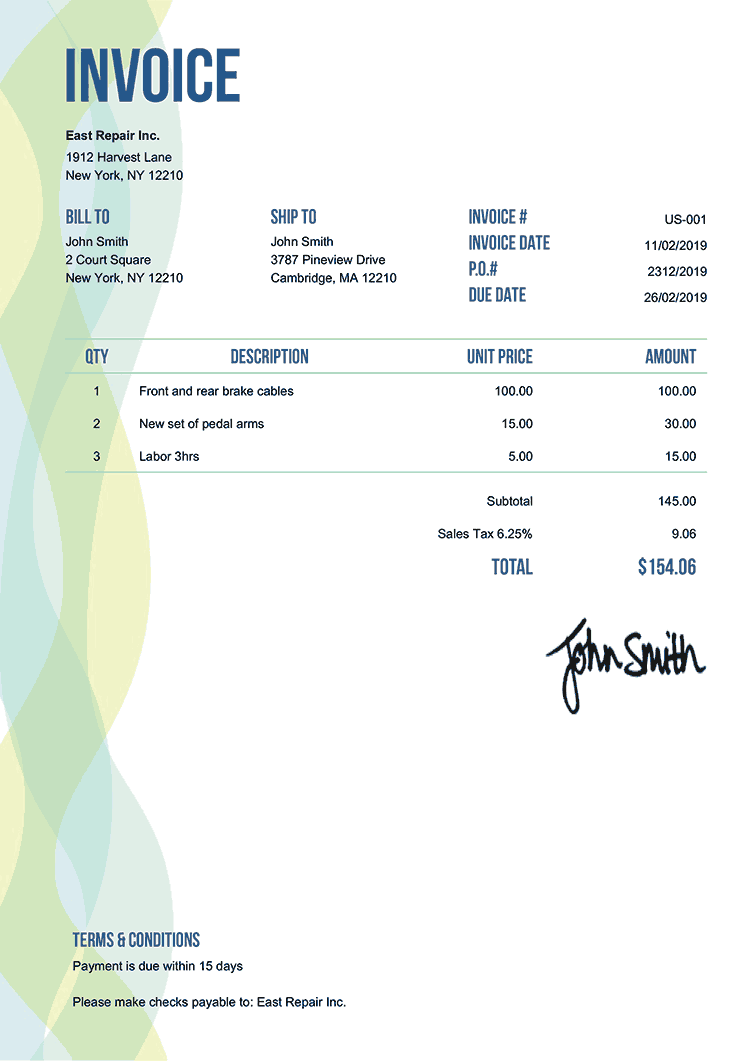
EXTRACTING FIELDS FROM INVOICE...

Trusted by analysts, finance, and ops teams extracting data from PDFs at scale





99%
Accuracy (incl. scanned PDFs)
<3s
Per PDF Extracted
0 code
No Scripts Per Format
Free
first 100 pages free
Extract data from a PDF in 3 steps
Step 1
Drop your PDF
Drag-and-drop one or many PDFs. Forward emails. Or POST via REST API for fully automated pipelines.
Step 2
Define the data you want — once
Visual schema builder. Pick the fields and tables you need; the AI extracts them from any PDF layout. No code, no per-vendor scripts.
Step 3
Export or push the structured data
Download as JSON / CSV / Excel. Push to Google Sheets, QuickBooks, your database — or POST to any URL via webhook.
Flexible Data Capture
What Parsli extracts from PDFs
Fields, tables, line items, entities — all extracted with full structure preserved. Define your schema once; the AI handles every layout.
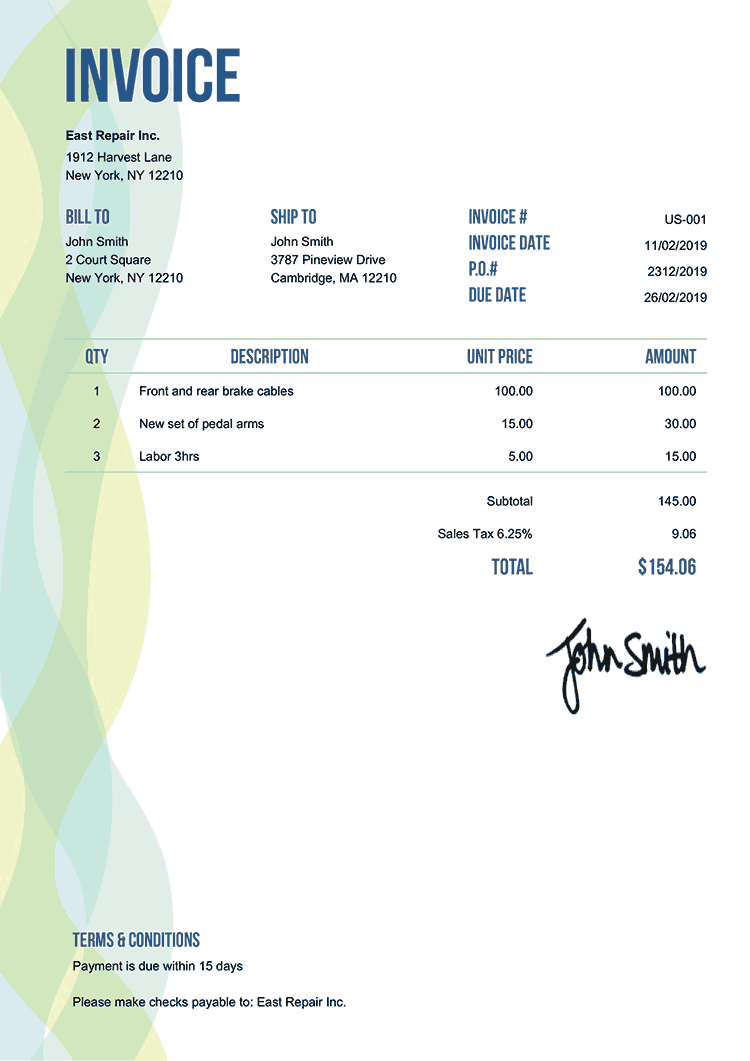
FieldExtraction
Any scalar field — vendor, date, amount, ID
TableData
Multi-row tables, line items, transactions — full structure
Dates
All date formats parsed and normalized
Amounts
Money values in any currency / format
Addresses
Multi-line addresses extracted as one field
NestedData
Hierarchical schemas — JSON objects, sub-tables
First 100 pages free. No templates required.
See PDF data extraction in action
Drop any PDF — invoice, statement, report, contract — and watch the AI extract every field, table, and line item with full structure preserved.
No credit card required. Cancel anytime.
What our customers say
“We were running pdfplumber across 4 different PDF formats and every layout change meant a code update. Parsli replaced 800 lines of Python with a 30-second schema definition — and handles new formats without anyone touching it.”
Ravi K.
Data Engineer, B2B SaaS
“I extract financial data from quarterly reports for 200+ companies. Tabula breaks on every other table; Parsli's AI gets them all right, even the merged-cell ones.”
Helena J.
Investment Analyst, Hedge Fund
Why teams switch from pdfplumber, Tabula, and Python scripts to Parsli
Works On Any PDF — No Code Per Format
pdfplumber, PyPDF, and Tabula need new code or template per PDF format and break when layouts change. Parsli's AI adapts automatically — same parser handles every vendor, every layout.
Tables Preserved With Full Structure
Multi-row line items, merged cells, multi-page tables — extracted with full structure preserved. Not just text — actual structured rows and columns.
Scanned PDFs — Same Pipeline
Native PDFs, scanned PDFs, photos, faded prints — same parser, same accuracy. Code-based tools fail on scans; Parsli's multimodal AI doesn't.
Push extracted PDF data anywhere
JSON, CSV, Excel — or straight to your spreadsheet, accounting system, or internal database.

JSON / CSV / Excel
Download in any structured format
Google Sheets
Append rows in real time as PDFs come in

QuickBooks Online
Push as Bills/Invoices — native OAuth

Xero
Native Xero integration — Bills and Invoices

Webhooks
POST structured JSON to any URL

REST API
Full programmatic access — upload, query, retrieve
First 100 pages free. Connect any system in 2 minutes.
Parsli vs. pdfplumber vs. Tabula vs. cloud OCR APIs
| Feature | Others | Parsli |
|---|---|---|
| Setup | pdfplumber/Tabula: Python + write code · Cloud APIs: write integration | Visual schema in 2 min |
| Native PDFs | All work fine | Works fine |
| Scanned PDFs | pdfplumber/Tabula: fail · Cloud APIs: OK | AI multimodal — full accuracy |
| Layout variation | Break when vendor changes format | AI adapts automatically |
| Tables / line items | Tabula: simple tables only · pdfplumber: code it yourself | First-class, full structure preserved |
| Integrations to QB/Sheets/etc. | You build them | Native — built in |
| Price | Free + dev time, or cloud APIs at ~$1.50/page | 100 pages free, then $0.20/page |
No credit card required. Cancel anytime.
Simple volume-based pricing
Get 2+ months for free!
How many pages do you process per month? Move the slider.
0 pages / month
$0
First 100 pages free
Get Started FreeAll prices exclusive of VAT/GST, where applicable.
What's included?
- 1 page = 1 credit
- 0 credits valid for a month
- Credits renew every month
- Cancel at any time
- Invite team members
- Advanced post-processing
- Email support
Frequently asked questions
Extract data from your first PDF in 30 seconds
Drop a PDF, define your fields, get structured data. Works on scans and tables. No code, no credit card.
No credit card required. Cancel anytime.
“We were running pdfplumber across 4 different PDF formats and every layout change meant a code updat...”— Ravi K., B2B SaaS