
AI-Powered PDF to Excel/CSV/XLSX Converter
Convert any PDF — native, scanned, handwritten, multi-page tables — to clean Excel, CSV, or XLSX. AI handles layouts that Adobe Acrobat and free online converters can't. Free to start. Batch + API when you need to scale.
First 100 pages free. Works on scans. Handles tables and line items. No credit card required.
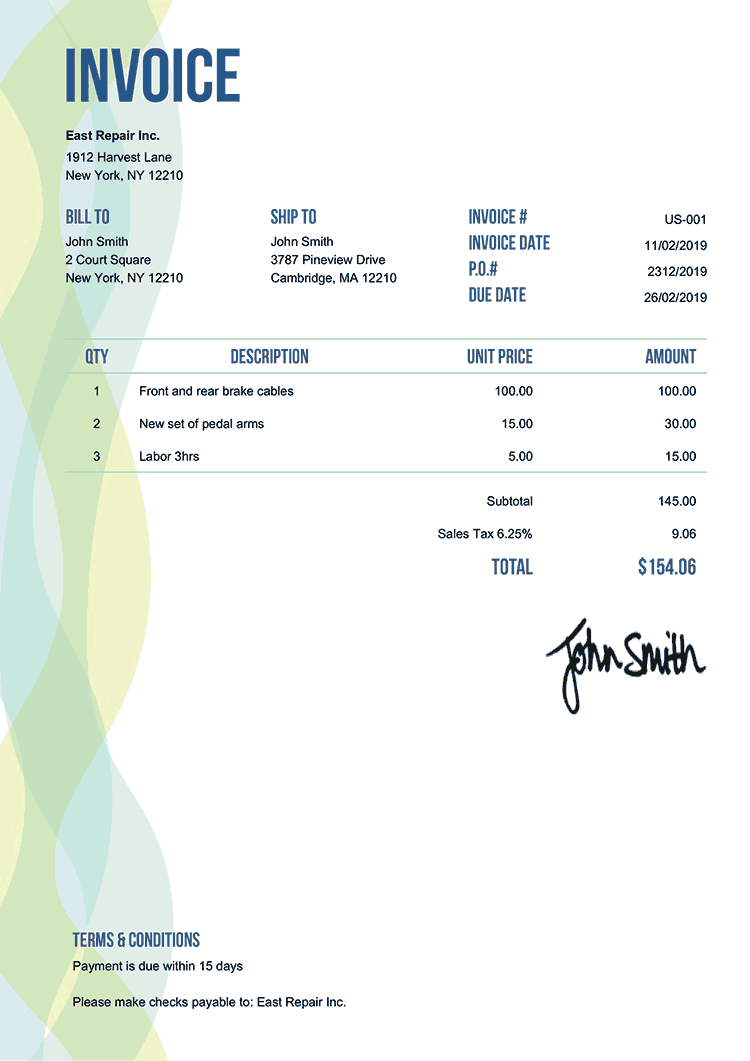
EXTRACTING FIELDS FROM INVOICE...

Trusted by finance, ops, and analytics teams converting PDFs to Excel/CSV at scale





99%
Accuracy (vs ~70% Acrobat on scans)
<3s
Per PDF Converted
0 setup
No Templates Per Format
$0
100 pages free
Convert a PDF to Excel/CSV in 3 steps
Step 1
Drop your PDF
Drag-and-drop PDFs, forward emails with attachments, or POST via API. Batch upload many at once — same parser handles every layout.
Step 2
AI extracts the data
Define the fields you want — or use a pre-built schema. The AI reads each PDF visually, extracts your fields, and preserves table structure across pages.
Step 3
Download or auto-push
Download the Excel/CSV file, or push directly to Google Sheets, QuickBooks, your ERP, or any system via webhook/REST API.
Flexible Data Capture
Every field, every line item — into Excel cells
Define your schema once. The AI extracts fields and tables from any PDF layout — invoices, bank statements, reports, contracts — and lands the data in structured Excel/CSV cells.
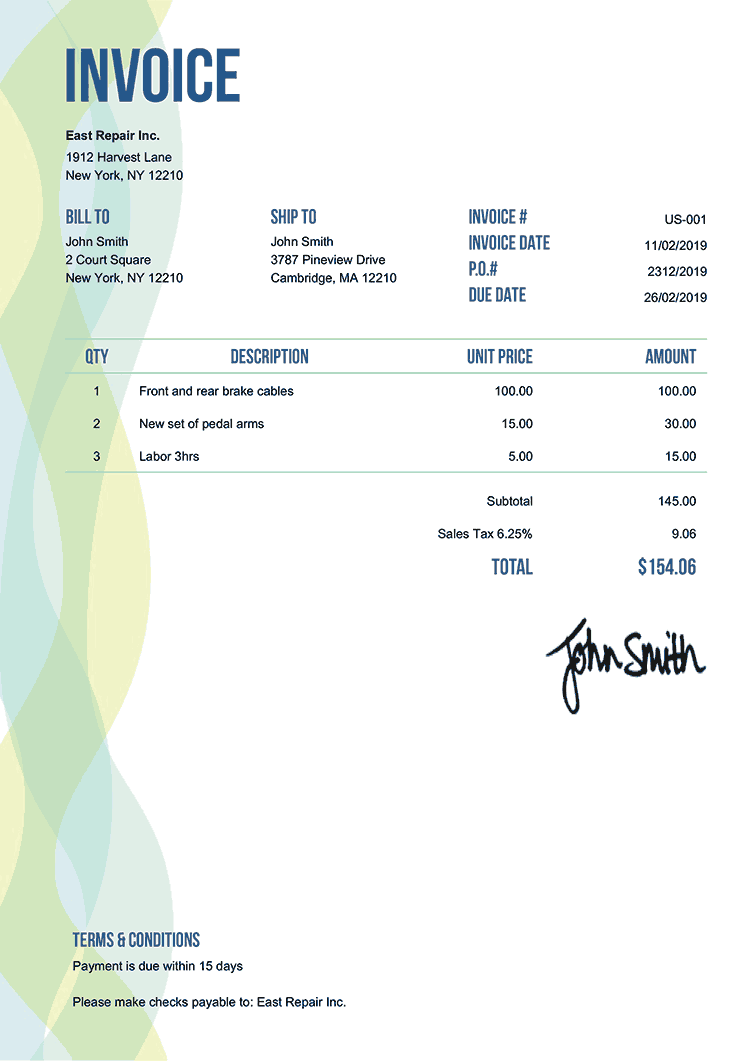
DocumentDate
Issue date, transaction date, statement period
DocumentNumber
Invoice #, statement ID, reference number
PartyName
Vendor, customer, bank — any party
Amount
Money values in any currency or format
LineItems
Tables, line items, nested rows — preserved as structured rows
CustomFields
Any field your spreadsheet needs — Parsli extracts it
First 100 pages free. Works on scans, handwriting, tables.
See PDF to Excel conversion in action
Drop any PDF — clean, scanned, or handwritten — and watch every field, table, and line item land in a clean Excel/CSV. Works on layouts no template-based converter can handle.
No credit card required. Cancel anytime.
What our customers say
“We tried Adobe's PDF-to-Excel for a quarter. It got 70% of our scanned bank statements right and we still had to clean every file. Parsli gets every one right, every time.”
Marcus W.
Finance Operations, SaaS Startup
“I was paying $25/month for an online PDF→Excel tool that broke whenever a vendor changed their invoice layout. Parsli costs less and handles every layout — including the scanned ones the old tool couldn't read.”
Anya P.
Bookkeeper, Accounting Practice
Why Parsli wins over Adobe Acrobat and free online converters
AI-Powered — Not Pattern Matching
Adobe's PDF-to-Excel and free online tools rely on layout detection that breaks on scans, handwriting, and complex tables. Parsli's AI reads documents like a human — accuracy stays high regardless of format.
Batch Conversion + API
Drag-and-drop many files, automate via email forwarding, or POST via REST API. Free online tools cap you at 5 files; Parsli scales to thousands per day.
Auto-Push To Where You Need It
Skip the manual download → re-upload step. Push extracted data straight to Google Sheets, QuickBooks, Xero, or any system via webhook in real time.
Beyond Excel — push converted data anywhere
If your workflow ends in a spreadsheet but the data needs to flow further, Parsli pushes it directly.

Excel / CSV Download
Download files directly — same as you'd expect
Google Sheets
Append rows in real time — no manual upload

QuickBooks Online
Push Bills/Invoices directly — skip the spreadsheet step

Zapier
Route to 5,000+ apps — Salesforce, Airtable, Slack

Webhooks
POST structured JSON to any URL — your stack, your rules

REST API
Full programmatic access — upload, query, retrieve
First 100 pages free. No download → re-upload step.
Parsli vs. Adobe Acrobat vs. free online PDF→Excel tools
| Feature | Others | Parsli |
|---|---|---|
| Scanned PDFs | Adobe: needs paid OCR plugin · Free tools: usually fail | Built-in — same accuracy as native PDFs |
| Complex tables / line items | Inconsistent — needs manual cleanup | AI preserves structure across pages |
| Batch conversion | Adobe: file-by-file · Free tools: capped at 3–5 files | Unlimited batch + API + email-forwarding |
| Layout variation | Breaks when vendor changes invoice format | AI adapts automatically |
| Auto-push to Sheets/QB/ERP | Manual download then re-upload | Direct integration, no spreadsheet step |
| Price | Adobe: $14.99/mo · Free tools: free with file caps | 100 pages free, then from $25/mo |
| Privacy | Free tools: documents often used for ads/training | TLS 1.3 + AES-256, no training on your data |
No credit card required. Cancel anytime.
Simple volume-based pricing
Get 2+ months for free!
How many pages do you process per month? Move the slider.
0 pages / month
$0
First 100 pages free
Get Started FreeAll prices exclusive of VAT/GST, where applicable.
What's included?
- 1 page = 1 credit
- 0 credits valid for a month
- Credits renew every month
- Cancel at any time
- Invite team members
- Advanced post-processing
- Email support
Frequently asked questions
Convert your first PDF to Excel in 30 seconds
Drop a PDF, see clean Excel/CSV. Works on scans, handwriting, and tables. No credit card.
No credit card required. Cancel anytime.
“We tried Adobe's PDF-to-Excel for a quarter. It got 70% of our scanned bank statements right and we ...”— Marcus W., SaaS Startup