- -The Bureau of Labor Statistics reports over 1.3 million bookkeeping and accounting clerks in the U.S., with a significant portion of their time spent on manual data entry that OCR can automate — The Bureau of Labor Statistics reports over 1.3 million bookkeeping and accounting clerks in the U.S., with a significant portion of their time spent on manual data entry that OCR can automate
- -The AICPA's 2024 Technology Survey found that 67% of accounting firms now use some form of document automation, up from 34% in 2020 — The AICPA's 2024 Technology Survey found that 67% of accounting firms now use some form of document automation, up from 34% in 2020
- -Modern AI-enhanced OCR achieves 95-99% accuracy on printed financial documents, compared to 70-85% for basic OCR engines (Everest Group) — Modern AI-enhanced OCR achieves 95-99% accuracy on printed financial documents, compared to 70-85% for basic OCR engines (Everest Group)
- -The most impactful applications of OCR in accounting are invoice processing, bank statement extraction, receipt digitization, and tax document processing — The most impactful applications of OCR in accounting are invoice processing, bank statement extraction, receipt digitization, and tax document processing
Accounting OCR refers to the use of optical character recognition technology to extract financial data from documents — invoices, receipts, bank statements, tax forms, checks, and other financial records — and convert it into structured, machine-readable data that can be imported into accounting software. For a profession that still deals with enormous volumes of paper and PDF documents, OCR represents the single biggest productivity lever available.
The accounting profession processes staggering volumes of documents. According to the AICPA, a typical small accounting firm handles 2,000-5,000 client documents per month during tax season. A mid-size firm may process 50,000+ documents annually. Without automation, each document requires manual reading and data entry — a process that the Institute of Financial Operations estimates takes 10-20 minutes per document and produces errors at a rate of 1-4% per field.
How OCR Works in Accounting
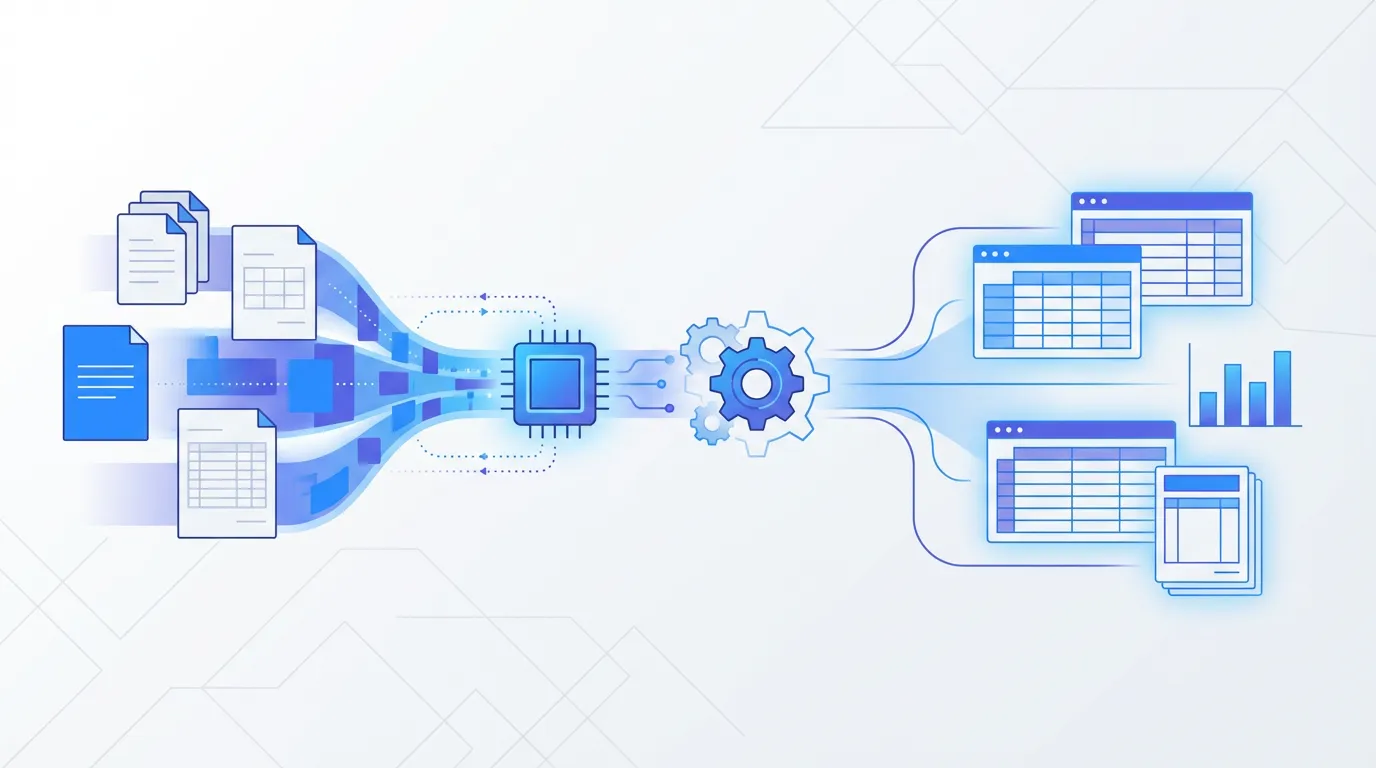
The basic OCR pipeline for accounting documents has four stages: document ingestion (scanning or uploading), image preprocessing (deskewing, noise removal, contrast enhancement), text recognition (converting images to machine-readable text), and field extraction (identifying specific data fields like vendor name, amount, and date). Modern systems add a fifth stage — validation — where extracted data is checked against business rules and flagged for review if anomalies are detected.
The critical distinction in accounting OCR is between raw text recognition and intelligent field extraction. Google's Tesseract OCR engine (an open-source tool that powers many commercial products) can convert an invoice image to text with 99%+ character accuracy. But knowing that the characters '1', '2', '.', '5', '0' appear on the page is useless unless you also know that '12.50' is the unit price for line item 3. This is where AI-enhanced OCR — using computer vision and NLP models trained on millions of financial documents — adds the critical layer of understanding.
Key Applications in Accounting
Invoice Processing
By far the most common accounting OCR application. The IOFM estimates that AP departments process 500 invoices per full-time employee per month. OCR automates the extraction of vendor information, invoice numbers, dates, line items, tax amounts, and totals — reducing per-invoice processing time from 8-15 minutes to seconds. Sage Research found that 86% of accounting professionals identify invoice processing as their top automation priority.
Receipt Digitization
For expense management and tax preparation, receipts need to be captured, categorized, and matched against expense reports or tax deductions. The IRS requires substantiation for all business expense deductions (IRC Section 162), and receipts are the primary form of substantiation. OCR converts physical and digital receipts into structured data — merchant, date, items, tax, total — that can be categorized automatically and linked to the appropriate expense account.
Bank Statement Extraction
Converting PDF bank statements into structured transaction data for reconciliation, bookkeeping, and financial analysis. This is particularly valuable for accountants and bookkeepers who receive client bank statements as PDFs and need to import the transaction data into QuickBooks, Xero, or other accounting software. Without OCR, every transaction must be manually entered — a process that scales terribly with transaction volume.
Tax Document Processing
During tax season, accounting firms receive thousands of W-2s, 1099s, K-1s, and other tax documents from clients. Each form has standardized fields that need to be extracted and entered into tax preparation software. The IRS processes over 160 million individual tax returns annually (IRS Data Book, 2024), and the supporting documentation volume is enormous. OCR can extract data from standard IRS forms with high accuracy because the formats are well-defined.
Parsli extracts data from invoices, bank statements, receipts, and tax forms using AI — not templates. Set up in minutes, not weeks. Start free.
OCR in Bookkeeping: Automating Daily Financial Data Entry
Bookkeepers spend an estimated 40-60% of their time on manual data entry (Institute of Financial Operations, 2023). OCR in bookkeeping transforms this by automating the capture of transaction data from receipts, invoices, and bank statements directly into accounting software like QuickBooks, Xero, or FreshBooks. The BLS reports over 1.3 million bookkeeping clerks in the U.S. — a role projected to decline 6% by 2032 as automation absorbs routine data entry tasks. For modern bookkeeping practices, OCR isn't optional — it's the baseline for competitive service delivery. AI-enhanced OCR goes further by categorizing transactions automatically, matching receipts to bank entries, and flagging discrepancies for review.
OCR for Tax Preparation: Handling Seasonal Document Volume
Tax season creates a concentrated document processing bottleneck. The IRS received over 160 million individual returns in 2024, and each return requires supporting documentation — W-2s, 1099s, K-1s, mortgage interest statements (1098), health insurance forms (1095), charitable donation receipts, and more. For tax preparers, OCR automates the extraction of client tax documents into tax software (Lacerte, ProConnect, Drake). The AICPA recommends firms implement document automation specifically to manage seasonal volume spikes — firms using OCR report processing 30-50% more returns during peak season without adding staff (AICPA Practice Management Survey, 2024). For state-specific tax documents and less common forms, AI-powered OCR outperforms template-based tools because it reads document semantics rather than fixed field positions.
OCR in Finance: Beyond Accounting to Financial Analysis
Financial services firms use OCR for applications beyond traditional accounting: loan document processing (extracting data from applications, pay stubs, and bank statements for underwriting), audit evidence collection (digitizing and indexing source documents for audit trails), financial statement analysis (extracting line items from annual reports and 10-K filings for comparative analysis), and regulatory compliance (processing KYC documents and anti-money laundering documentation). Gartner estimates that financial institutions process 10-50 million pages annually per organization — making manual extraction mathematically impossible. The shift to AI-powered document processing in finance is driven not just by efficiency but by regulatory requirements for consistent, auditable data capture (OCC Bulletin 2024-16).
Best OCR Software for Accounting (2026)
- Parsli — AI-powered extraction for invoices, receipts, bank statements, and tax forms. No templates. Integrates with Google Sheets, Zapier, Make. Free tier. Best for: small-to-mid accounting firms.
- Dext (formerly Receipt Bank) — Purpose-built for bookkeepers. Auto-categorizes expenses, syncs with QuickBooks/Xero. From $24/month. Best for: bookkeeping-focused practices.
- Hubdoc — Xero-owned document collection and data extraction. Free with Xero subscription. Limited to Xero ecosystem. Best for: Xero-centric firms.
- AutoEntry (by Sage) — Automated data entry for Sage, QuickBooks, and Xero. Per-credit pricing. Best for: Sage ecosystem firms.
- ABBYY FineReader — Enterprise OCR with high accuracy on complex documents. Desktop and server editions. Best for: large firms with diverse document types.
Choosing OCR for Your Accounting Practice
The market for accounting OCR ranges from free tools with limited functionality to enterprise platforms costing thousands per month. For solo practitioners and small firms, a no-code platform that handles multiple document types (invoices, receipts, bank statements) with a simple upload-and-extract workflow is typically the best fit. For mid-size firms with high volume, look for API access, accounting software integrations, and batch processing capabilities. For large firms, enterprise platforms with custom model training, on-premise deployment, and SOC 2 certification may be necessary.
Key evaluation criteria, based on the AICPA's technology adoption guidelines: accuracy on your specific document types (test with real documents, not demo data), ease of integration with your existing accounting software, handling of edge cases (poor-quality scans, handwritten notes, unusual formats), security certifications and data handling practices, and total cost of ownership including implementation time.
Frequently Asked Questions
Is OCR accurate enough for accounting?
Modern AI-enhanced OCR achieves 95-99% field-level accuracy on printed financial documents — comparable to or better than manual data entry (96-98% accuracy per studies cited by the Institute of Financial Operations). For accounting purposes, a human-in-the-loop review of extracted data provides an additional accuracy layer. The key is using OCR to eliminate the bulk of manual work while maintaining review checkpoints for quality assurance.
Can OCR handle different accounting software formats?
Most OCR platforms export data in universal formats — CSV, Excel, JSON — that can be imported into virtually any accounting software. Some platforms offer direct integrations with QuickBooks, Xero, Sage, and FreshBooks. For ERP systems like SAP and NetSuite, API-based integration is typically available. The exported data format matters less than the accuracy and completeness of the extraction.
Related Resources
More Guides
How to Extract Line Items from Invoices Automatically
Learn 3 methods to extract line items from invoices — manual, Python, and AI-powered. Compare accuracy, speed, and cost for each approach.
Document ExtractionHow to Extract Data from Bank Statements (PDF to Excel)
Learn how to extract transactions, balances, and account details from bank statement PDFs. Compare manual, Python, and AI methods.
Data ConversionHow to Convert Receipts to Spreadsheet Data
Learn how to convert paper and digital receipts into structured spreadsheet data. Compare scanning apps, OCR tools, and AI extraction.
Talal Bazerbachi
Founder at Parsli