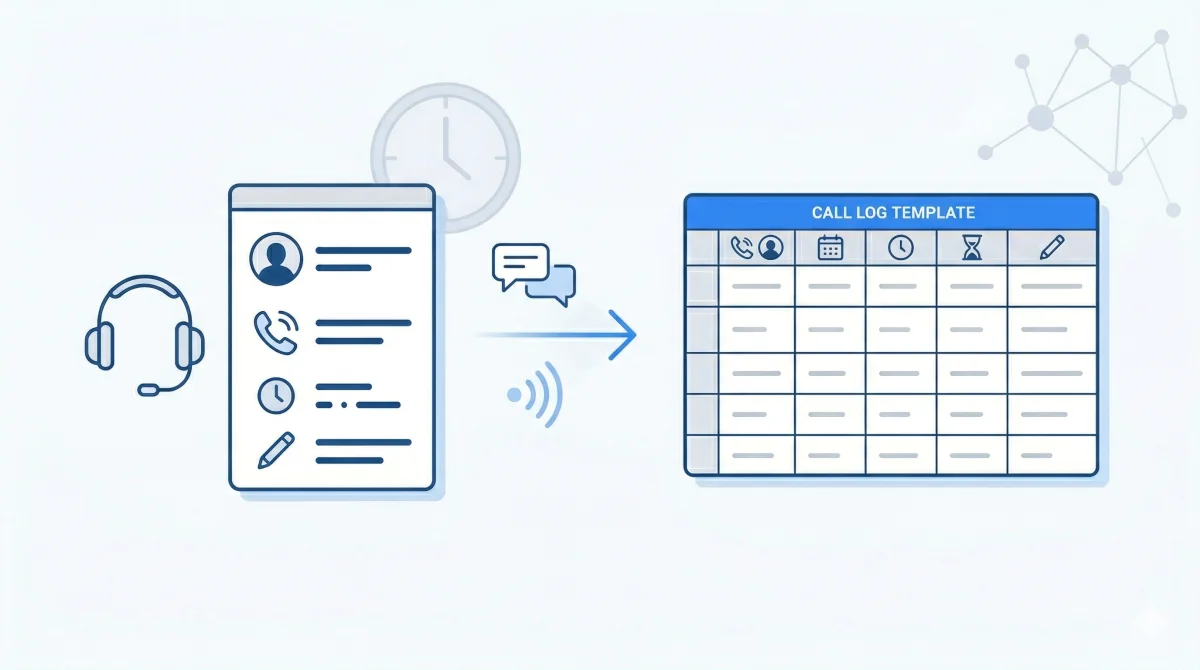
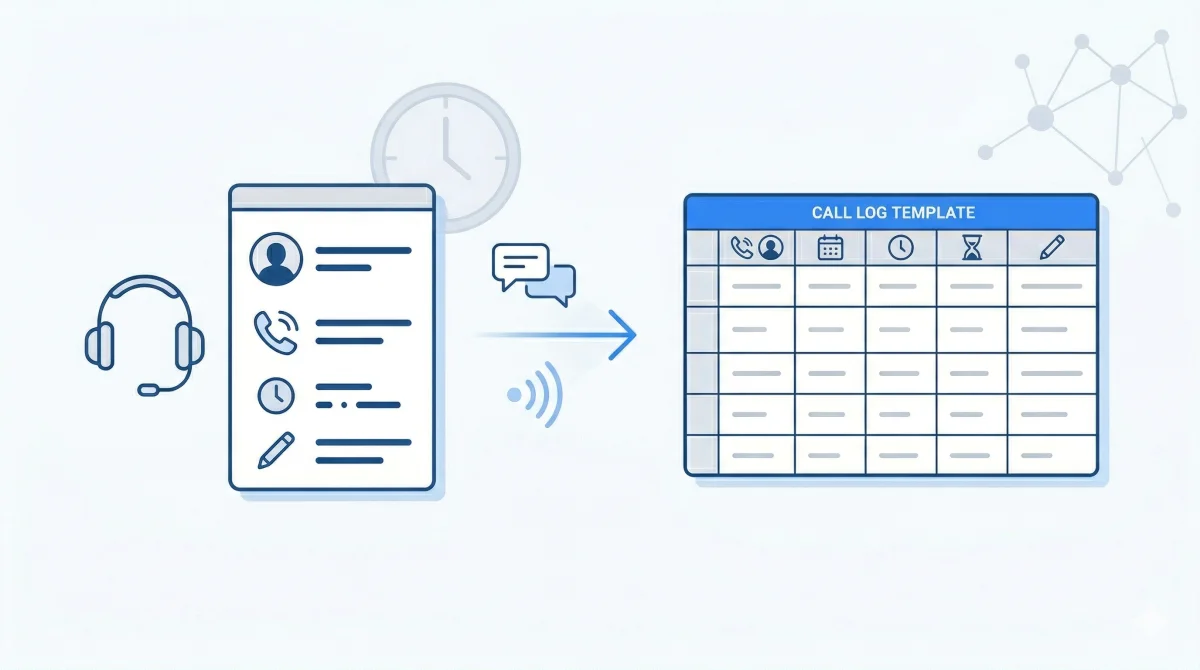
- -Download a free call log template with pre-built columns for usage type, phone number, call duration, direction, date, and time.
- -Works for any carrier — Boost Mobile, T-Mobile, Verizon, AT&T, Cricket, Metro by T-Mobile, and more.
- -Already have a call log PDF from your carrier? Skip the template — upload it to Parsli and get structured Excel data in seconds. Try it free →
- -Common use cases: litigation evidence, private investigations, fraud analysis, telecom billing audits, and personal record-keeping.
Whether you're a paralegal organizing phone records for a case, a PI building a contact timeline, or just someone who wants their carrier call log in a clean spreadsheet — you need a structured template.
This guide gives you a ready-to-use call log Excel template and shows you how to automatically extract data from carrier call log PDFs (like Boost Mobile, T-Mobile, Verizon, and AT&T) so you never have to manually type a single row.
Regulatory context: Under the Telecommunications Act of 1996, carriers are required to maintain call detail records (CDRs). The FCC's Customer Proprietary Network Information (CPNI) rules govern how these records can be accessed and shared. When obtained through proper legal channels (subpoena, court order, or account holder request), CDRs are admissible as business records under Federal Rule of Evidence 803(6).
590+
Monthly searches for call log templates
6 cols
Standard call log fields
< 10s
Auto-extraction time per page
99%
AI extraction accuracy
The call log Excel template
A good call log template captures the six core fields that every carrier includes in their call detail records (CDRs). These fields align with the standard CDR format defined by the International Telecommunication Union (ITU-T Q.825) recommendation for call detail recording:
| Column | Description | Example |
|---|---|---|
| Usage Type | Call, Text, or Data | Call |
| Customer Number | The account holder's phone number | (708) 400-4004 |
| Other Phone Number | The number called or texted | 12104281226 |
| Call Duration (Seconds) | Length of the call in seconds | 140 |
| Call Direction | Inbound or Outbound | Outbound |
| Date | Date of the call or text | 08/08/2025 |
| Time | Timestamp of the activity | 14:11:10 |
Pro tip: Add a "Notes" column at the end for annotations. Attorneys and investigators often tag rows with case-relevant flags like "key call" or "disputed timeline."
You can create this template in Excel or Google Sheets in under a minute. Just add the seven column headers above to Row 1 and start entering data. Or, skip the manual work entirely — read on.
The problem: carrier call logs come as PDFs
When you request call records from a carrier — whether through a subpoena, a customer portal, or a records request — you get a PDF. Sometimes a 70+ page PDF with hundreds of rows per page. Under 18 U.S.C. § 2703 (the Stored Communications Act), law enforcement and attorneys can compel carriers to produce these records through proper legal process.
Here's what a typical Boost Mobile call log looks like:
Copying this data manually into a spreadsheet is brutal. Each page has ~60 rows. A typical call log runs 30-80 pages. That's 1,800 to 4,800 rows of data you'd need to manually copy, verify, and format. At ~30 seconds per row, a 70-page call log takes 10+ hours of manual data entry. According to research published in the Journal of Human Factors and Ergonomics, manual data entry error rates range from 1-4% even for trained operators — meaning dozens of incorrect entries in a single call log.
Auto-extract call log PDFs with AI
Instead of manually transcribing carrier PDFs into your template, you can upload the PDF to an AI-powered document parser and get structured spreadsheet data back in seconds.
Upload your carrier call log PDF
Drag and drop the PDF from your carrier — Boost Mobile, T-Mobile, Verizon, AT&T, Cricket, Metro, or any other carrier. Parsli reads the table structure automatically, even from scanned documents.
Define your schema (or use the default)
Tell Parsli what columns to extract: usage type, phone number, duration, direction, date, time. For call logs, the default schema works out of the box.
Download as Excel, CSV, or send to Google Sheets
Get your structured data in whatever format you need. The output matches the exact template format above — ready for analysis, court submission, or integration with your existing workflow.
Free PDF to Excel Converter
Upload a carrier call log PDF and get structured Excel data back in seconds — no signup required for your first file.
Try it freeProcessing call logs from multiple cases or carriers? Parsli extracts structured data from any carrier PDF format — 30 free pages/month, no credit card.
Supported carriers
AI-powered extraction works with call log PDFs from any carrier, because it reads the table structure rather than relying on a fixed template. That said, here are the carriers we see most often:
| Carrier | Format | Typical Page Count |
|---|---|---|
| Boost Mobile | Tabular PDF with usage type, numbers, duration, direction, date/time | 30-80 pages |
| T-Mobile | Detailed call record PDF with similar column structure | 20-100 pages |
| Verizon | Call detail statement PDF, sometimes split by line | 10-60 pages |
| AT&T | Wireless usage detail PDF with call/text/data breakdown | 20-80 pages |
| Cricket Wireless | Tabular PDF similar to AT&T format | 15-50 pages |
| Metro by T-Mobile | Tabular call detail PDF | 15-50 pages |
| US Cellular | Usage detail PDF | 10-40 pages |
| Consumer Cellular | Monthly statement with call details | 5-20 pages |
Who uses call log templates?
Attorneys and paralegals
Call logs are critical evidence in family law (custody disputes, divorce proceedings), criminal defense (alibi verification, contact timelines), personal injury (proof of communication with insurance), and harassment cases. The American Bar Association notes that cell phone records are among the most commonly subpoenaed forms of electronic evidence. Paralegals typically receive carrier PDFs through subpoenas issued under FRCP Rule 45 and need to convert them into organized spreadsheets for timeline analysis and court exhibits.
Private investigators
PIs use call log data to build contact maps — who called whom, when, and for how long. The National Institute of Justice highlights CDR analysis as a key technique in digital forensic investigations. Structured spreadsheet data makes it easy to filter by specific phone numbers, identify patterns, and create visual timelines for client reports.
Insurance fraud investigators
SIU (Special Investigations Unit) teams cross-reference call logs with claimed timelines. According to the Coalition Against Insurance Fraud, phone record analysis is one of the top investigative techniques for detecting staged accidents and false claims. If a claimant says they were somewhere at a specific time, their call activity can corroborate or contradict that claim. Having the data in a filterable spreadsheet is essential for this analysis.
Telecom billing auditors
Companies auditing their telecom spend need call log data in spreadsheets to analyze usage patterns, identify unauthorized calls, and reconcile billing discrepancies across multiple lines and carriers. Gartner research estimates that 7-12% of telecom invoices contain billing errors, making regular CDR audits a cost-saving practice for businesses with multiple lines.
Tips for working with call log data in Excel
- Format the Date column as a date — Excel may interpret dates as text if they're pasted from a PDF. Select the column, right-click → Format Cells → Date.
- Convert Duration to minutes — Call duration in seconds is hard to read. Add a formula column: `=C2/60` to get minutes.
- Use filters liberally — Filter by Call Direction (Inbound/Outbound), Usage Type (Call/Text), or specific phone numbers to isolate relevant records.
- Create a pivot table — Summarize total call time by phone number, count texts per day, or chart call activity over time.
- Flag key rows with conditional formatting — Highlight calls over 5 minutes, calls to specific numbers, or activity during disputed time windows.
- Freeze the header row — View → Freeze Panes → Freeze Top Row. Essential when scrolling through thousands of rows.
Call log template vs. auto-extraction: which should you use?
| Manual Template | AI Auto-Extraction | |
|---|---|---|
| Best for | Logging new calls as they happen | Converting existing carrier PDFs |
| Time per page | 15-20 minutes | Under 10 seconds |
| Error rate | 2-5% (typos, skipped rows) | Under 1% |
| Cost | Free (your time) | Free tier available |
| Works with scanned PDFs | No | Yes |
| Multi-page support | Manual page-by-page | All pages at once |
If you're creating a call log from scratch to track future calls, the template is all you need. If you already have carrier PDFs that need to be digitized, auto-extraction saves hours of manual work.
Sources and references
- Telecommunications Act of 1996 — FCC, carrier record-keeping obligations
- CPNI Rules — Protecting Your Personal Information — FCC consumer guide on call record privacy
- 18 U.S.C. § 2703 — Stored Communications Act — Legal framework for compelling carrier records
- Federal Rule of Evidence 803(6) — Business records exception for CDR admissibility
- Federal Rule of Civil Procedure 45 — Subpoena standards for third-party records
- ITU-T Q.825 Recommendation — International standard for call detail recording
- Cell Phone Evidence Primer — American Bar Association
- Digital Evidence and Forensics — National Institute of Justice (DOJ)
- Coalition Against Insurance Fraud — Phone record analysis in fraud investigations
- Telecom Expense Management — Gartner, telecom billing error rates
- Human Factors and Ergonomics in Data Entry — Journal of Human Factors, manual entry error rates
Stop manually typing call logs from carrier PDFs
Parsli extracts structured data from PDFs, invoices, and emails — automatically. Free forever up to 30 pages/month.
No credit card required. · Or book a demo call
Frequently Asked Questions
Can I extract call logs from scanned PDFs?
Yes. Parsli uses AI-powered OCR that can read scanned and photographed call log documents. The accuracy is highest with clear, high-resolution scans, but it handles most carrier PDF quality levels well.
What format do I get the extracted data in?
You can download extracted call log data as CSV, Excel (.xlsx), or JSON. You can also send it directly to Google Sheets via Parsli's integration.
How many pages can I extract at once?
Parsli processes entire documents at once — whether your call log is 5 pages or 500 pages. The free tier includes 30 pages per month, which covers most individual call logs.
Is my call log data secure?
Yes. Call log data often contains sensitive information. Parsli processes documents over encrypted connections, does not store your original files after extraction, and never shares your data with third parties.
Does this work with call logs from any carrier?
Yes. The AI reads the table structure of your PDF rather than relying on carrier-specific templates. It works with Boost Mobile, T-Mobile, Verizon, AT&T, Cricket, Metro, and any other carrier that provides call detail records as PDFs.
Can I use the template in Google Sheets instead of Excel?
Absolutely. The column structure is the same. Create a new Google Sheet, add the seven column headers (Usage Type, Customer Number, Other Phone Number, Call Duration, Call Direction, Date, Time), and you're set. If you auto-extract with Parsli, you can send data directly to Google Sheets.
Related Resources
More Guides
How to Extract Line Items from Invoices Automatically
Learn 3 methods to extract line items from invoices — manual, Python, and AI-powered. Compare accuracy, speed, and cost for each approach.
Document ExtractionHow to Extract Data from Bank Statements (PDF to Excel)
Learn how to extract transactions, balances, and account details from bank statement PDFs. Compare manual, Python, and AI methods.
Data ConversionHow to Convert Receipts to Spreadsheet Data
Learn how to convert paper and digital receipts into structured spreadsheet data. Compare scanning apps, OCR tools, and AI extraction.
Talal Bazerbachi
Founder at Parsli