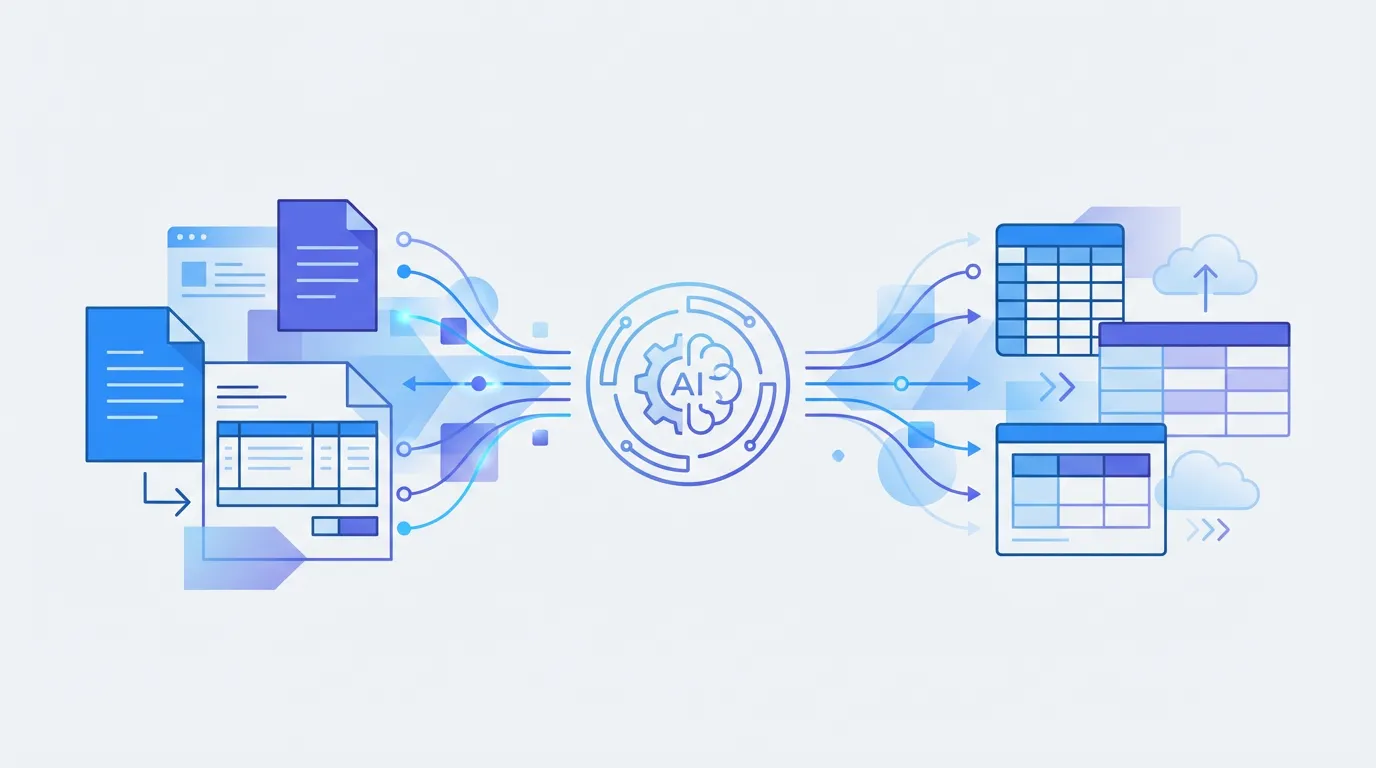
- -Purchase order extraction pulls PO numbers, vendor details, line items, quantities, and totals into structured data.
- -Manual processing is the top bottleneck in procurement workflows.
- -PO-to-invoice matching requires accurate extraction of both documents.
- -AI extraction handles varying PO formats across vendors without per-template configuration.
Purchase orders are the backbone of procurement — but extracting data from them is still largely manual for most teams. PO numbers, vendor details, line items with quantities and unit prices, delivery dates, payment terms — all locked in PDFs that someone has to read and re-key into your ERP.
This guide covers how to automate PO data extraction and eliminate the manual bottleneck in your procurement workflow.
10-15 min
Manual PO entry time
3.6%
PO-to-invoice mismatch rate
< 10s
AI extraction time
99%+
Field-level accuracy
What data do you extract from purchase orders?
- Header fields: PO number, date, vendor name, vendor address, buyer name, payment terms, delivery date.
- Line items: Item description, SKU/part number, quantity, unit price, total amount, tax.
- Summary fields: Subtotal, tax total, shipping, grand total.
Why automate PO extraction?
- Speed — Extract data from a PO in seconds instead of 10-15 minutes of manual entry.
- Accuracy — Eliminate transcription errors that cause invoice matching failures and payment delays.
- 3-way matching — Automatically match POs against invoices and goods receipts to flag discrepancies. Pair this with shipping document extraction to add delivery verification to the match.
- Audit trail — Structured data with timestamps creates a complete procurement audit trail. Feed extracted PO data into QuickBooks for seamless accounting.
How to extract PO data with Parsli
Create a PO extraction schema
Define header fields (PO number, vendor, date) and line item fields (description, qty, unit price, total) in Parsli's schema builder.
Upload or forward POs
Drag and drop PO PDFs, forward them via email, or send via API. Parsli processes any PO format from any vendor.
Review and export
Review extracted data with confidence scores. Export to Excel, CSV, JSON, or push directly to your ERP via API or Zapier.
Free Document Parser
Try extracting data from a purchase order now. Upload a PDF and see structured results.
Try it freeProcessing purchase orders at scale? Parsli extracts data from any PO format — 30 free pages/month.
Manual PO entry was our procurement team's biggest bottleneck. Automating extraction freed up 20+ hours per week and virtually eliminated invoice matching errors.
Procurement Director
Manufacturing company
Automate your procurement data pipeline
Purchase order extraction is the first step in automating procurement. Once PO data flows into your systems automatically, you can build automated 3-way matching, spend analytics, and vendor management workflows on top of it. You can also extract related documents like contracts to centralize your supplier data.
Stop copying data out of documents manually.
Parsli extracts structured data from PDFs, invoices, and emails — automatically. Free forever up to 30 pages/month.
No credit card required. · Or book a demo call
Frequently Asked Questions
What is purchase order data extraction?
Purchase order extraction is the process of pulling structured data — PO numbers, vendor details, line items, quantities, prices, and totals — from purchase order documents (usually PDFs) into a format your ERP or spreadsheet can process.
Can I extract data from purchase orders in different formats?
Yes. AI-powered tools like Parsli handle varying PO layouts from different vendors without needing separate templates for each format.
How does PO extraction help with invoice matching?
By extracting PO data into structured format, you can automatically compare PO line items against invoice line items to verify quantities, prices, and totals match — flagging discrepancies before payment.
Related Resources
More Guides
How to Extract Line Items from Invoices Automatically
Learn 3 methods to extract line items from invoices — manual, Python, and AI-powered. Compare accuracy, speed, and cost for each approach.
Document ExtractionHow to Extract Data from Bank Statements (PDF to Excel)
Learn how to extract transactions, balances, and account details from bank statement PDFs. Compare manual, Python, and AI methods.
Data ConversionHow to Convert Receipts to Spreadsheet Data
Learn how to convert paper and digital receipts into structured spreadsheet data. Compare scanning apps, OCR tools, and AI extraction.
Talal Bazerbachi
Founder at Parsli