- -Bank reconciliation is a required internal control under COSO's Internal Control Framework, endorsed by the SEC and PCAOB for public companies — Bank reconciliation is a required internal control under COSO's Internal Control Framework, endorsed by the SEC and PCAOB for public companies
- -The Association of Financial Professionals (AFP) found that 44% of organizations still perform reconciliation manually, despite automation reducing the process by up to 80% — The Association of Financial Professionals (AFP) found that 44% of organizations still perform reconciliation manually, despite automation reducing the process by up to 80%
- -Common reconciliation discrepancies include outstanding checks, deposits in transit, bank errors, and unauthorized transactions — Common reconciliation discrepancies include outstanding checks, deposits in transit, bank errors, and unauthorized transactions
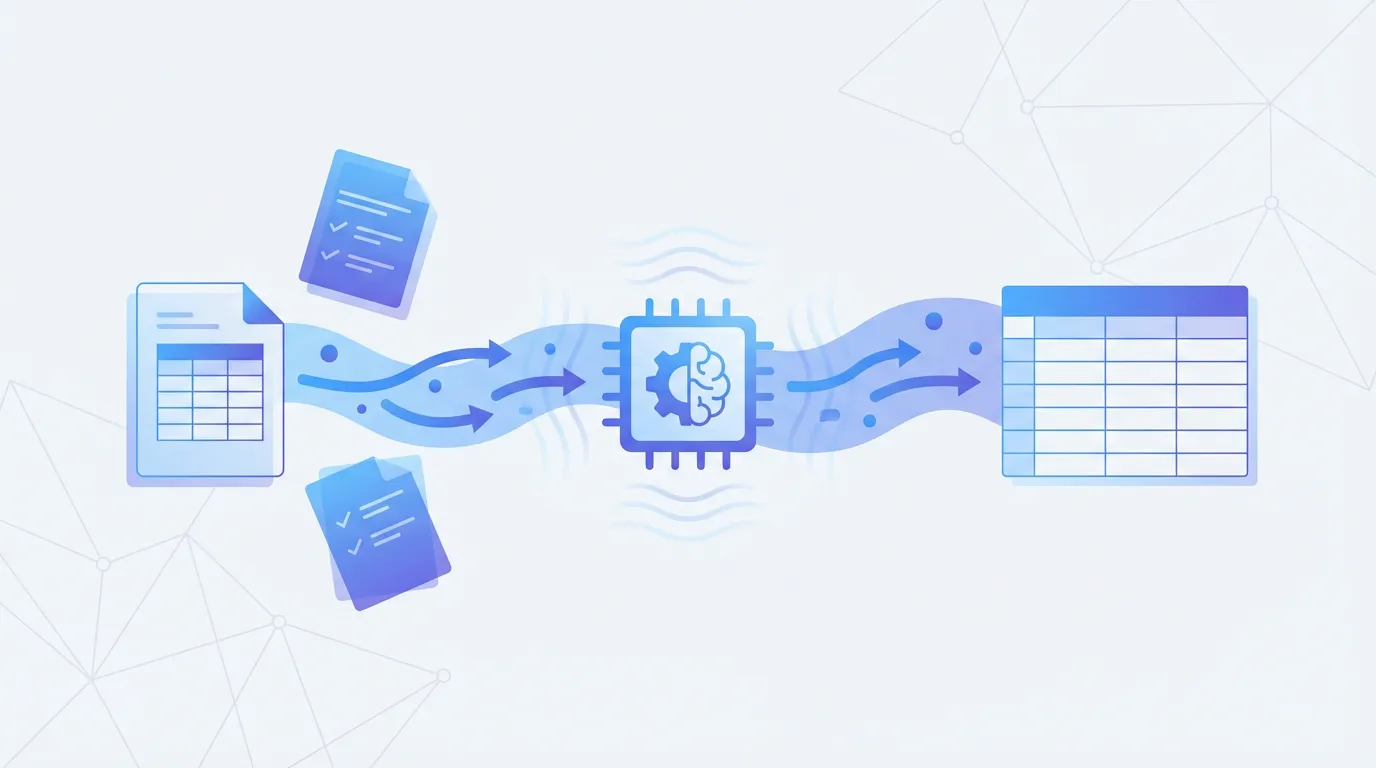
- -Automating bank statement data extraction is the first step to faster reconciliation — turning PDF statements into structured data eliminates manual data entry entirely
Bank reconciliation is the process of comparing your internal financial records (your books) with the bank's records (your statement) to identify and explain any differences. It's one of the most fundamental internal controls in accounting — and one of the most tedious. The AICPA considers monthly bank reconciliation a non-negotiable best practice for businesses of all sizes.
Yet despite its importance, reconciliation remains one of the most time-consuming tasks in accounting. A survey by BlackLine found that 30% of accountants spend more than a week each month on reconciliation activities. For firms that handle multiple clients — each with multiple bank accounts — the time investment multiplies quickly.
Why Bank Reconciliation Matters
Bank reconciliation serves several critical purposes. First, it catches errors — both yours and the bank's. According to the Consumer Financial Protection Bureau, banks do make errors, and account holders have 60 days under Regulation E to report them. Second, it detects fraud. The ACFE's 2024 Report to the Nations found that organizations without regular reconciliation procedures experience fraud losses that are twice the median of organizations with proper controls. Third, it ensures accurate financial statements — which is a legal requirement for public companies under Sarbanes-Oxley Section 404 and a practical necessity for any business seeking loans, investment, or accurate tax filing.
How to Reconcile a Bank Statement: Step-by-Step
Step 1: Gather Your Materials
You need the bank statement for the period you're reconciling, your internal accounting records (general ledger, cash book, or accounting software), and any supporting documents for outstanding items. For efficiency, have the bank statement data in a structured format — if it's a PDF, you'll need to extract the transaction data first.
Step 2: Compare Opening Balances
The bank statement's opening balance should match the closing balance from your previous reconciliation. If it doesn't, you have an unresolved item from the prior period that needs to be addressed before you proceed.
Step 3: Match Transactions
Go through each transaction on the bank statement and match it against your internal records. Mark each matched transaction in both sets of records. This is the most time-consuming step and where automation provides the greatest benefit. Common matching criteria include date (within 1-2 days), amount (exact match), and reference number or description.
Step 4: Identify Reconciling Items
After matching, you'll have transactions in your books that aren't on the statement, and transactions on the statement that aren't in your books. These are your reconciling items:
- Outstanding checks — checks you've written and recorded but that haven't cleared the bank yet
- Deposits in transit — deposits you've recorded but that the bank hasn't processed yet
- Bank charges — fees, service charges, and other debits the bank has applied that you haven't recorded
- Interest earned — interest the bank has credited that you haven't yet recorded
- Direct debits/credits — automatic payments or deposits you haven't recorded
- Bank errors — transactions the bank has recorded incorrectly (rare but it happens)
- Book errors — transactions you've recorded incorrectly in your internal records
- NSF checks — deposited checks that bounced
Step 5: Adjust Your Records
For items that represent real transactions you haven't recorded (bank charges, interest, direct debits), make the appropriate journal entries in your accounting system. For bank errors, contact the bank. For your own errors, make correcting entries. Outstanding checks and deposits in transit don't require adjustments — they'll clear in the next period.
Step 6: Verify the Adjusted Balances Match
After all adjustments, your adjusted book balance should equal the bank's adjusted balance. If it doesn't, you have an unresolved discrepancy that needs investigation. The formula: Bank Balance + Deposits in Transit − Outstanding Checks ± Bank Errors = Adjusted Bank Balance, which should equal Book Balance + Interest + Direct Credits − Bank Charges − NSF Checks ± Book Errors = Adjusted Book Balance.
The hardest part of reconciliation is getting bank statement data into a workable format. Parsli extracts every transaction from PDF bank statements into structured Excel, CSV, or JSON — making the matching step dramatically faster.
Common Reconciliation Mistakes
- Not reconciling monthly — letting multiple months accumulate makes it exponentially harder to identify and resolve discrepancies (AICPA recommends monthly reconciliation without exception)
- Forcing balances — adjusting numbers to make things match without understanding the underlying discrepancy. This is a GAAS violation and a common fraud indicator
- Ignoring small discrepancies — the ACFE notes that many fraud schemes start small and grow over time. Every discrepancy deserves investigation
- Not segregating duties — the person who reconciles should not be the same person who handles deposits or writes checks (COSO Internal Control Framework)
- Skipping prior-period items — outstanding items from prior reconciliations must be tracked until they clear
Automating Bank Reconciliation
Manual reconciliation doesn't scale. A study by the Institute of Management Accountants (IMA) found that finance teams spend an average of 10-15 days per close cycle on reconciliation tasks. For businesses with multiple bank accounts, the process can consume the majority of a bookkeeper's time each month.
Automation approaches range from partial to fully automated. At the most basic level, extracting bank statement data from PDFs into structured spreadsheet format (using tools like Parsli) eliminates manual data entry and enables automated matching. At the fully automated end, accounting platforms like QuickBooks, Xero, and NetSuite can import bank feeds and auto-match transactions, though they still require human review for exceptions.
McKinsey Global Institute estimates that 42% of finance activities can be fully automated with current technology, and reconciliation is among the highest-impact areas. The key bottleneck is often not the matching algorithm but getting the source data — bank statements — into a structured format that software can process.
Frequently Asked Questions
How often should I reconcile bank statements?
Monthly, at minimum. The AICPA, IMA, and COSO Framework all recommend monthly reconciliation. High-transaction-volume businesses (retail, e-commerce) may benefit from weekly or even daily reconciliation. Under Sarbanes-Oxley, public companies must demonstrate that reconciliation is performed regularly as part of their internal control documentation.
What if my bank statement and books don't match after reconciliation?
An unresolved discrepancy means there's a transaction you haven't identified or an error you haven't corrected. Start by re-checking your math, then look for transposition errors (digits swapped — e.g., $1,350 recorded as $1,530), omitted transactions, duplicate entries, and timing differences. If you still can't resolve the discrepancy, it may warrant a more thorough investigation for potential fraud or system errors.
Related Resources
More Guides
How to Extract Line Items from Invoices Automatically
Learn 3 methods to extract line items from invoices — manual, Python, and AI-powered. Compare accuracy, speed, and cost for each approach.
Document ExtractionHow to Extract Data from Bank Statements (PDF to Excel)
Learn how to extract transactions, balances, and account details from bank statement PDFs. Compare manual, Python, and AI methods.
Data ConversionHow to Convert Receipts to Spreadsheet Data
Learn how to convert paper and digital receipts into structured spreadsheet data. Compare scanning apps, OCR tools, and AI extraction.
Talal Bazerbachi
Founder at Parsli