Best AI Bookkeeping Automation Software in 2026: Parsli vs. Dext vs. Hubdoc vs. Tofu

Key Takeaways
- "AI bookkeeping automation" almost always means one specific job: getting the data off a receipt, bill, invoice, or bank statement and into your accounting system without anyone typing it in by hand. Everything else — approvals, payments, reconciliation — is a separate category.
- The four tools compared here — Parsli, Dext, Hubdoc, and Tofu — solve that job differently. Parsli is a general-purpose document AI platform that happens to be very good at bookkeeping documents — and everything else you throw at it. Dext is the polished, widely-reviewed capture tool most bookkeepers already know. Hubdoc is the free-or-cheap Xero-owned basic-capture app. Tofu is a firm-facing AI bookkeeper built to learn your coding habits over time.
- Line-item extraction is the detail that trips people up. Dext gates it behind a paid add-on; Hubdoc doesn't appear to offer it at all (header fields only); Tofu and Parsli include it standard.
- Pricing structures aren't apples-to-apples. Dext meters by document + user count, Tofu meters by "entries" with unlimited users, and Parsli meters by page with unlimited users — a single-page receipt and a 40-page bank statement cost very differently depending on which meter a vendor uses. Model your own volume before comparing headline prices.
- None of these tools should be picked on marketing copy alone — including ours. Every vendor here (Parsli included) makes an accuracy claim. The only test that means anything is running your own messiest documents through a free trial.

See it run on your own invoices.
What "AI bookkeeping automation software" actually covers
The phrase gets used loosely, so it's worth being precise before comparing four tools under it. AI bookkeeping automation, in the sense people are searching for, is capture-and-categorize software: you feed it receipts, bills, invoices, or statements — by photo, email forward, upload, or a bank feed — and it reads the document, pulls out the structured fields (vendor, date, amount, tax, line items), assigns a category or GL account, and syncs the result into QuickBooks, Xero, or Zoho Books.
It is deliberately not the same category as:
- Full-blown AP suites (BILL, Tipalti, Stampli) — those add payment execution, multi-level approval routing, and procure-to-pay workflows on top of capture. If that's what you need, see our invoice matching software roundup, which covers that tier separately.
- Bank reconciliation — matching ledger entries against a bank statement is a related but distinct task, usually handled natively inside Xero or QuickBooks.
- General-purpose OCR/IDP platforms with no accounting-specific packaging — those are covered in our best AI data-entry tools guide.
The four tools below all live squarely in the capture-and-categorize lane, which is exactly why they get compared against each other.
How I evaluated them
I looked at each tool on five axes that actually determine whether it saves you time or just moves the typing somewhere else:
- Capture accuracy and claims — what the vendor says about how reliably it reads a document, and how that claim is presented.
- Line-item depth — does it extract every line on an invoice, or just the header totals?
- Document breadth — is it built only for receipts/bills, or does it handle the wider range of documents a business actually receives?
- Accounting sync — which ledgers it writes to natively, and how cleanly.
- Real pricing at small-business volume — not the marketing price, the price once you add the users, documents, and add-ons a real team needs.
Screenshots and copy below are taken directly from each vendor's own site, pictured under its name below; pricing is what's publicly published as of September 2026 and changes often, so verify current numbers before you buy.
The tools, compared
Parsli
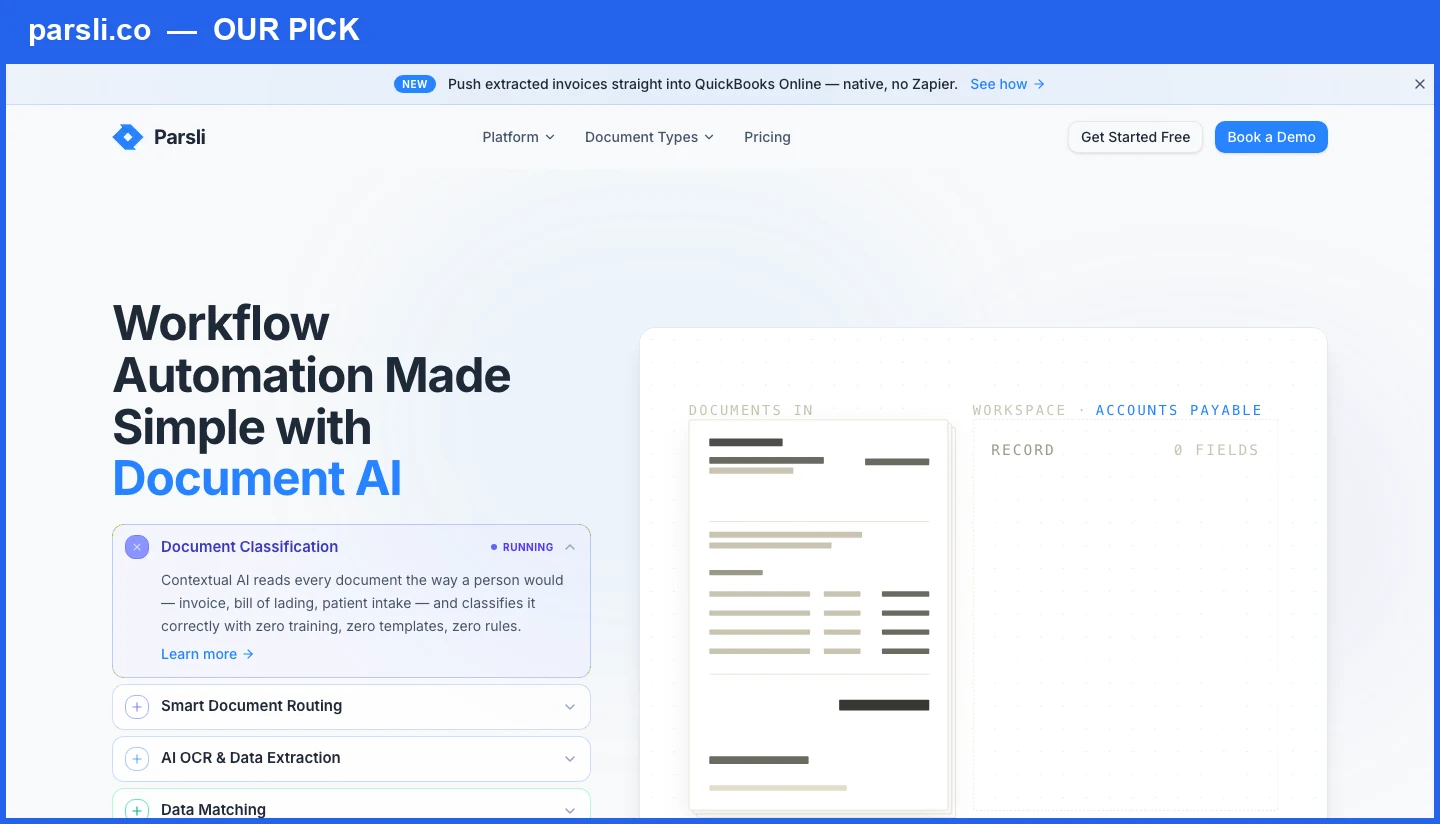
Best for: businesses and firms whose documents don't fit a fixed template — multiple document types, non-standard fields, or a need to define exactly what data comes off each document — who want breadth and configurability without paying extra for line items or per-seat fees.
Why we're listing Parsli first: the other three tools in this comparison are purpose-built for one job — bookkeeping capture — from a fixed set of fields their engine already knows how to extract. Parsli is a general-purpose AI document-extraction platform that happens to be extremely good at that same job, plus everything adjacent to it, with no line-item add-on and no per-seat fee. That breadth and pricing structure is the whole reason this article exists — read the rest of the comparison and judge for yourself.
Here's the honest framing: Dext, Hubdoc, and Tofu each work from a fixed set of fields their engine already knows how to extract (vendor, amount, date, line items). Parsli's no-code schema builder lets you define the exact fields you need — on invoices, receipts, bank statements, purchase orders, or a document type none of the other three have a category for — without waiting on a vendor roadmap.
On the specifics that matter for this comparison: line-item extraction is included, not an add-on (unlike Dext), Parsli reads any document type, not just receipts and bills tied to a fixed template (unlike Hubdoc's header-only extraction), and pricing is flat and metered by page volume with no per-seat charge — the whole team uses one plan (like Tofu, unlike Dext). Integrations to QuickBooks, Xero, Zoho Books, Google Sheets, Zapier, Make, Gmail, and a REST API with webhooks are all included on every plan — nothing is gated behind a separate SKU.
Pricing starts with 20 free pages on signup (no credit card), then subscription tiers from $25/month for 100 pages up through volume tiers for larger operations — for example, $69/month (or $55/month billed annually) for 1,000 pages, roughly comparable in scale to Tofu's Pro tier. One honest nuance worth stating plainly: Parsli meters by page, not by document — a one-page receipt and a 12-page bank statement cost differently, where Dext and Tofu meter by document/entry regardless of page count. Model your own document mix against each vendor's actual meter before comparing sticker prices.
Limitation: Parsli is not a bookkeeping-specific product with years of bookkeeper-community reviews behind it the way Dext is, and it doesn't have Tofu's firm-specific "remembers how this client codes" workflow layer out of the box — you configure that behavior yourself via the schema and rules, which is more powerful but also more setup than a tool built narrowly for one persona.
Bring your own receipts, invoices, or bank statements — see Parsli extract them field-by-field in a live demo.
Book a demoDext
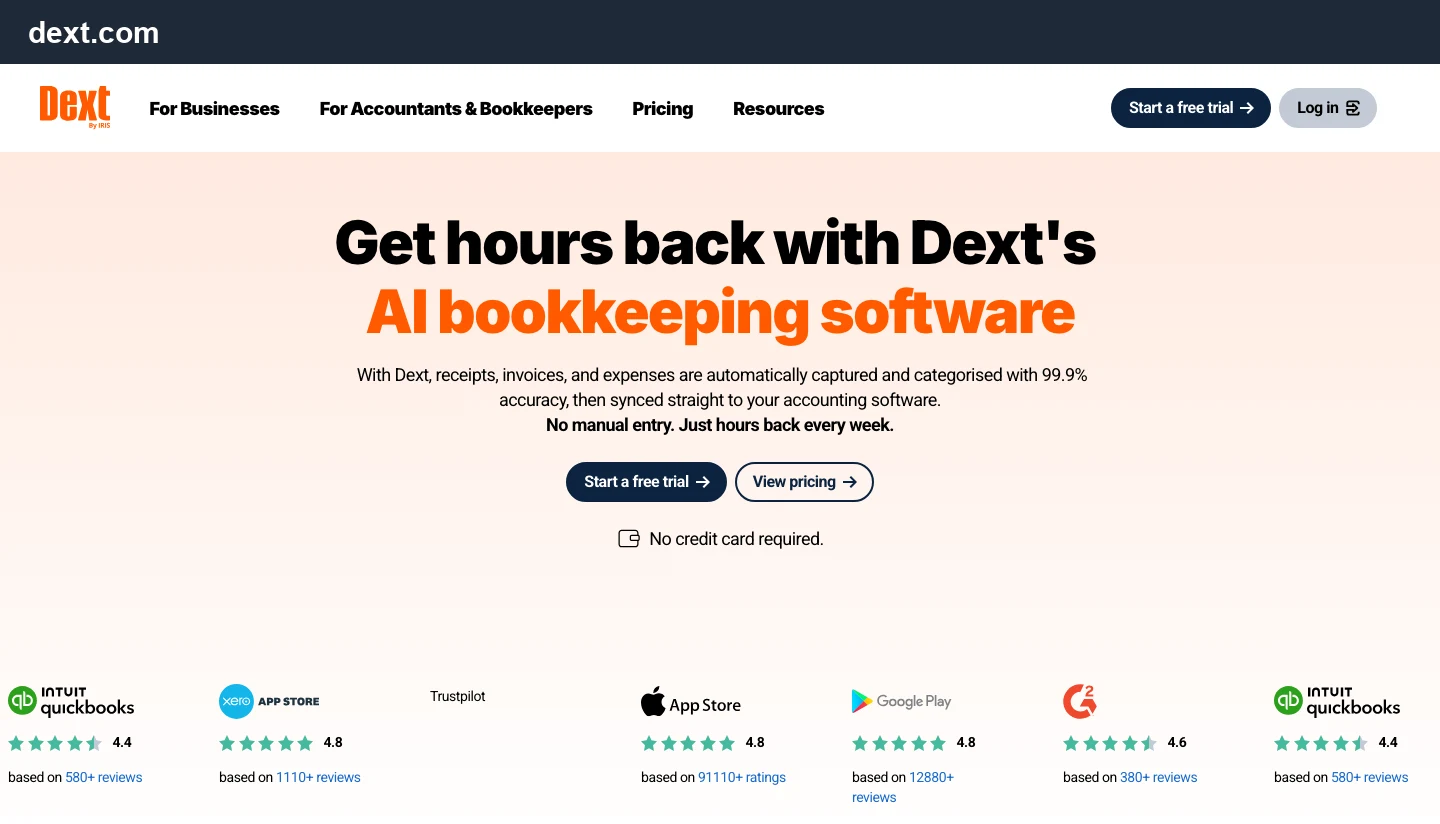
Best for: bookkeeping firms and SMBs already deep in the QuickBooks/Xero ecosystem who want the most widely-reviewed, best-integrated capture tool, and don't mind paying for extras as they need them.
Dext (formerly Receipt Bank) is the category incumbent — the tool most accountants and bookkeepers already have opinions about. It captures receipts, invoices, and expenses via mobile scan, email forward, or bank-feed fetch, extracts the data, categorizes it, and syncs to your accounting software. Dext markets its accuracy as 99.9%, and it has real breadth of third-party validation: App Store, Google Play, G2, Capterra, and Trustpilot ratings are all prominently displayed on its homepage (Dext).
The catch is in the packaging. The core Business plan starts at $25.21/month (billed annually) for 250 documents and 5 users — but line-item extraction, supplier-statement extraction, and bank-statement extraction are separate paid add-ons, each starting around $13-$20.50/month (or pay-as-you-go from $0.32-$0.50/document) (Dext Pricing). That means the headline Dext price doesn't include the depth most people actually want — reading every line of an invoice, not just the total — and it adds up quickly once you attach the add-ons a real AP process needs. There's also a per-user cost baked in (5 users included, more cost extra), which penalizes teams where several people touch documents but only occasionally.
Limitation: the add-on structure means the effective price for full-depth extraction is meaningfully higher than the advertised entry price, and per-user pricing works against teams with intermittent contributors.
Hubdoc
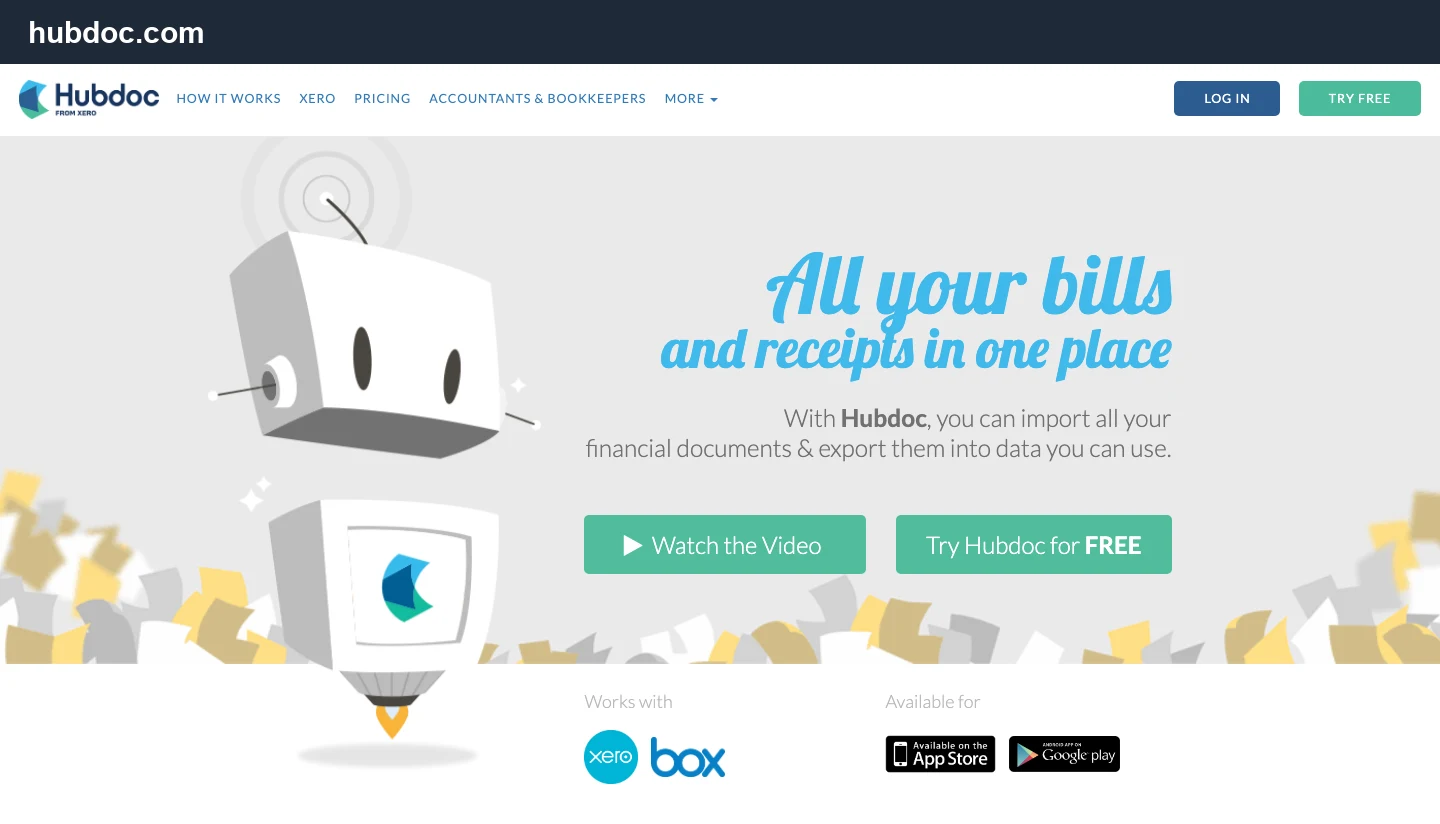
Best for: solo operators or very small businesses on Xero or QuickBooks Online who just need bills and receipts stored and lightly extracted, and don't need line items.
Hubdoc, now owned by Xero, is the simplest tool on this list by design. You capture bills and receipts by photo, email, scan, or upload; Hubdoc extracts supplier name, amount, invoice number, and due date, and syncs the transaction (with the source document attached) to Xero or QuickBooks Online only (Hubdoc). Notably, Hubdoc's own product description doesn't mention line-item extraction anywhere — it reads header fields, not the detail of what was actually billed.
Pricing is straightforward: a 30-day free trial, then $12/month standalone, with unlimited usage and multiple collaborators (Hubdoc Pricing). In practice, many small businesses get Hubdoc bundled at no extra cost through certain Xero plans, which is a large part of its appeal — it's the "good enough, basically free" option if your accounting is already on Xero and your documents are simple.
Limitation: no visible line-item extraction, no integrations beyond Xero and QuickBooks Online, and a genuinely basic feature set — fine for a sole proprietor's receipts, thin for anyone reconciling invoices line by line or running documents through anything other than Xero/QBO.
Tofu
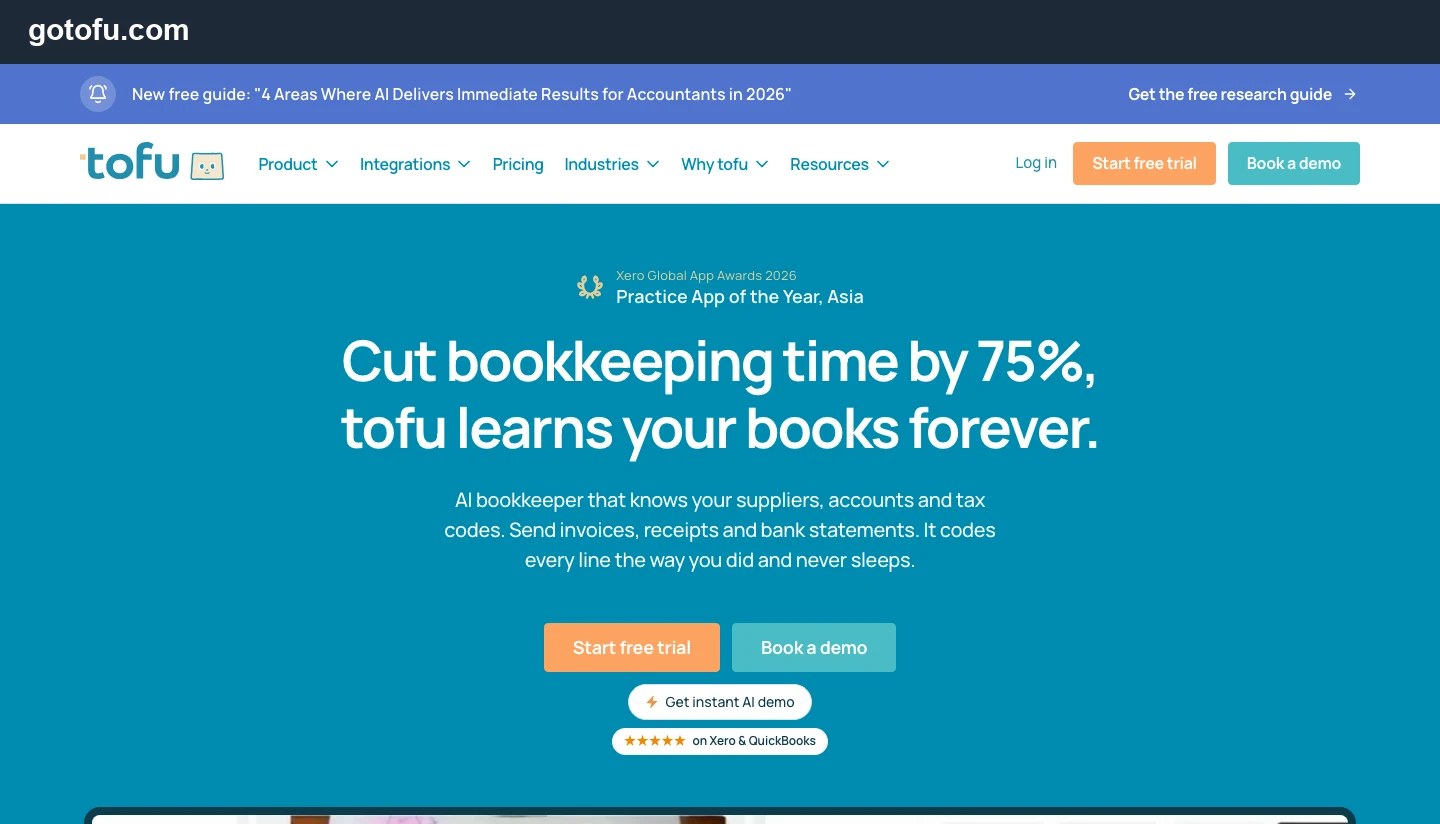
Best for: accounting and bookkeeping firms managing many clients who want an AI layer that "remembers" how each client codes transactions, without per-seat pricing.
Tofu is positioned squarely at accounting and bookkeeping firms rather than individual businesses — it won Xero's 2026 Practice App of the Year, Asia award and leans hard on a "learns your books forever" pitch: it remembers supplier-to-account and tax-code mappings the way a specific bookkeeper would code them, rather than applying generic categorization. It ingests invoices, receipts, and bank statements, claims to cut bookkeeping time by 75%, and syncs to Xero and QuickBooks.
Two things stand out on the pricing page. First, line-item extraction is included on every plan — Tofu's own FAQ notes "Competitors charge extra for this," a direct jab at Dext's add-on model (Tofu Pricing). Second, pricing is unlimited users and unlimited entities on every tier — you pay by extraction volume ("entries"), not by seat. Pro runs $72/month (annual) or $79/month billed monthly for 9,600 entries/year (~800/month); Business is $179/month (annual) or $199/month billed monthly for 30,000 entries/year (~2,500/month). Tofu also states it is ISO 27001:2022 certified and GDPR/CCPA compliant, per its own FAQ — a claim worth verifying directly with Tofu if certification status matters to your compliance process.
Limitation: it's explicitly firm-facing, syncs only to Xero and QuickBooks, and the entries model means a business with irregular, bursty volume (a slow month, then 1,000 documents at once) needs to plan around monthly resets — unused entries don't roll over.

Bookkeeping automation software compared (at a glance)
| Tool | Best for | Line-item extraction | Document types | Accounting sync | Per-user cost | Starting price |
|---|---|---|---|---|---|---|
| Parsli | Any document type, configurable fields, no per-seat cost | Included | Any document type (no-code schema) | QuickBooks, Xero, Zoho Books + API/Zapier/Make | No | $25/mo (100 pages) |
| Dext | Firms/SMBs wanting the most reviewed, widely-integrated capture tool | Paid add-on | Receipts, invoices, expenses, statements | QuickBooks, Xero | Yes (5 included) | $25.21/mo (250 docs, annual) |
| Hubdoc | Simple Xero/QBO bill & receipt capture | Not offered | Bills, receipts | Xero, QuickBooks Online only | No | $12/mo after 30-day trial |
| Tofu | Firms wanting an AI layer that learns client coding habits | Included | Invoices, receipts, bank statements | Xero, QuickBooks | No | $72/mo (9,600 entries/yr, annual) |
How to choose
Match the tool to what's actually in your document pile and how your team is shaped, in roughly this order:
- Do your documents vary — invoices, receipts, statements, POs, or something entirely custom — and do you want to define the exact fields extracted rather than accept a vendor's fixed set, without per-seat or per-feature add-on costs? That's the gap Parsli is built to fill — start here if you're not sure yet.
- Are your documents just simple receipts and bills, and you're already on Xero or QuickBooks Online? Start with Hubdoc — it's the cheapest, simplest option, and for header-level capture it does the job.
- Do you want the most established, best-reviewed tool and don't mind paying for line items and per-user seats as you scale? Dext is the safe, well-supported choice, especially if your firm already has staff trained on it.
- Are you a firm managing many clients who each code transactions differently, and want the software to remember those patterns without per-seat pricing? Tofu is purpose-built for exactly that.
Then run the same test regardless of which you lean toward: take your five ugliest real documents — a handwritten receipt, a multi-line invoice, a scanned statement — and put them through each vendor's free trial before you commit. Marketing accuracy numbers (99.9%, "cuts time by 75%," ours included) are measured on the vendor's own terms. Your documents are the only benchmark that matters.
Book a demo and we'll run your actual receipts, invoices, or bank statements through extraction live — see exactly which fields come out clean.
See Parsli in Action
Parsli extracts structured data from PDFs, invoices, and emails — automatically. Book a demo to see it on your own documents.
FAQ
What is the best AI bookkeeping software for a small business?
It depends on what's in your document pile and how your team is shaped. Parsli fits businesses whose documents vary in type or don't match a vendor's fixed field set, without per-seat or line-item add-on costs. Hubdoc is the cheapest, simplest option for basic Xero/QuickBooks receipt capture. Dext is the most established, best-reviewed tool if you don't mind paying for line items and extra users. Tofu is built specifically for accounting/bookkeeping firms managing many clients. Test your own documents in each free trial rather than relying on marketing claims alone.
Can Parsli read documents other than invoices and receipts?
Yes — that's the core difference from the other three tools. Parsli is a general-purpose document AI platform with a no-code schema builder, so it extracts whatever fields you define from invoices, receipts, bank statements, purchase orders, or other document types, rather than being limited to a fixed bookkeeping-specific field set.
How is Parsli's pricing structured compared to Dext, Hubdoc, and Tofu?
Parsli charges a flat monthly price metered by page volume, with no per-user fee — the whole team uses one plan. Dext charges by document count and by user, with several features (line items, bank statements, supplier statements) as paid add-ons. Hubdoc is a flat low monthly fee with a narrow feature set. Tofu charges by extraction volume ("entries") with unlimited users, similar in structure to Parsli but metered per document rather than per page. Because the meters differ, model your own document volume and average page count against each vendor's actual pricing page before comparing headline numbers.
Does Dext extract line items from invoices?
Not on the base plan. Dext's core Business plan captures header-level data; line-item extraction is a separate paid add-on starting around $20.50/month, or pay-as-you-go from $0.50/document (Dext Pricing).
Is Hubdoc free?
Hubdoc offers a 30-day free trial, then costs $12/month standalone as of September 2026 (Hubdoc Pricing). It's frequently bundled at no extra cost with certain Xero subscription plans — check your current Xero plan's inclusions, since bundling terms change.
What makes Tofu different from Dext or Hubdoc?
Tofu is built specifically for accounting and bookkeeping firms and emphasizes that it "learns" how a specific client's transactions get coded over time, rather than applying generic categorization rules. It includes line-item extraction on every plan and charges by extraction volume with unlimited users and entities — no per-seat fee, unlike Dext.
Do any of these tools do bank reconciliation or invoice matching?
No — all four are capture-and-categorize tools, not reconciliation or AP-suite platforms. For matching invoices against purchase orders and goods receipts, see our invoice matching software guide. Bank reconciliation (matching ledger entries to a bank statement) is typically handled natively inside Xero or QuickBooks.
Ready to test bookkeeping automation on your own documents? Book a 15-minute demo with Parsli.
Book a demoSources
- Grand View Research — The intelligent document processing (IDP) market was valued at $3.0B in 2025 and is projected to grow at a 33.1% CAGR through 2030, as businesses move document capture from OCR templates to AI-based extraction.
- Dext (dext.com) — Dext markets its capture accuracy as 99.9% and syncs extracted receipts, invoices, and expenses to QuickBooks and Xero.
- Dext Pricing (dext.com/business/pricing) — Dext's Business plan starts at $25.21/month (annual) for 250 documents and 5 users; line-item extraction, supplier-statement extraction, and bank-statement extraction are separately priced add-ons starting around $13-$20.50/month or billed pay-as-you-go from $0.32-$0.50/document.
- Hubdoc Pricing (hubdoc.com/pricing) — Hubdoc offers a 30-day free trial, then $12/month standalone, syncing captured bills and receipts to Xero and QuickBooks Online with unlimited usage.
- Tofu Pricing (gotofu.com/pricing) — Tofu's Pro plan is $72/month (annual, $79 monthly) for 9,600 entries/year with unlimited users and entities; Business is $179/month (annual, $199 monthly) for 30,000 entries/year. Line-item extraction is included on every plan.
Related Articles
7 Best AI Tools for Data Entry in 2026 (Free and Paid)
The best AI tools for data entry from invoices, PDFs, receipts and scans in 2026: free tiers, real per-document pricing, and which one fits your team.
ComparisonBest Invoice Matching Software in 2026 (SMB Guide)
The best invoice matching software for small business in 2026 — automate 2-way & 3-way matching to POs, price lists & Excel. Tested and priced.

Talal Bazerbachi
Founder at Parsli
Talal is the founder of Parsli, an AI platform for extracting and matching data from invoices and other business documents. He works hands-on with the finance and operations teams automating the invoice workflows this guide is written for.