Send data out
Accounting systems
File extracted bills and invoices straight into QuickBooks Online, Xero, or Zoho Books.
Parsli connects directly to QuickBooks Online, Xero, and Zoho Books. Extracted bills, invoices, and expenses are created as real records in your ledger — no CSV import, no automation tool in between.
Setting one up
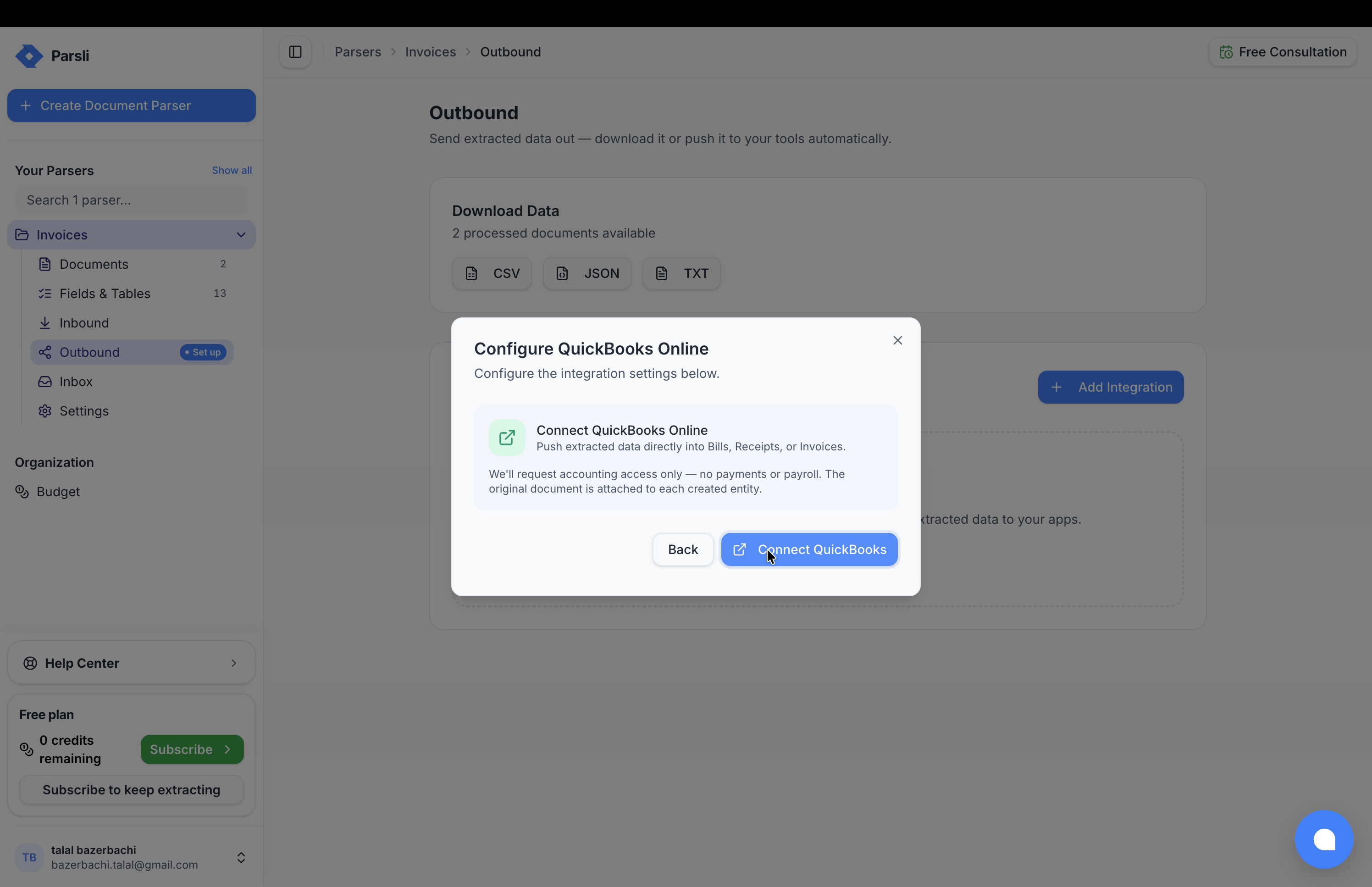
- Under the parser's Outbound, add QuickBooks Online, Xero, or Zoho Books.
- Authorise the connection. You are sent to their site to sign in and approve.
- Configure the mapping — which account, which contact, which record type.
- Run one real document and check what landed.
Important: Do step 4 before pointing a supplier mailbox at the parser. A mapping mistake discovered after two hundred bills have posted is a reconciliation job; discovered after one, it is a dropdown.
Getting the extraction right first
An accounting connection is only as good as the fields feeding it. Before connecting:
decimalfor every amount. Astringamount arrives with its currency symbol attached and will be rejected or, worse, misread.datefor every date. Same reasoning.- Be explicit about which total.
total_including_taxposts a different number than the subtotal. See defining what to extract. - Extract the vendor precisely.
vendor_namemust be the company issuing the invoice, not the customer. Contact matching depends on it.
Handling missing values
If Parsli's parsing engine cannot ground a value in the document, it comes back empty rather than guessed. That is the right behaviour — but a bill with no amount cannot post.
Mark the fields your ledger requires as required so their absence is visible, and check the Documents page for anything flagged before it reaches the books. See check the results.
Reauthorising
Accounting connections use OAuth, and those tokens expire or get revoked — someone changes a password, an admin audits app access, the subscription lapses.
When that happens the integration starts failing while extraction carries on working normally. Documents process, data does not reach the ledger. Reauthorise from the integration's settings.
Tip: This is the failure worth building a habit around. Extraction succeeding while delivery quietly fails looks like nothing is wrong. Check the integration status if bills stop appearing.
Multiple ledgers
Each connection belongs to one parser, so different parsers can post to different places — one for each entity, or one per client.
Which system
| QuickBooks Online | Xero | Zoho Books | |
|---|---|---|---|
| Bills and invoices | Yes | Yes | Yes |
| Expenses | Yes | Spend money | Yes |
| Setup | OAuth | OAuth | OAuth |
Use whichever you already keep your books in. There is no functional reason to prefer one within Parsli.
If your system is not listed
Two routes:
- An automation tool — Zapier, Make, and Power Automate reach most accounting products.
- A Webhook into whatever API your system exposes. See webhooks.
For an in-house or industry-specific ledger, a bespoke Connector can be built with you. See premium workspaces.
Something here wrong or missing? Tell us — we treat it as a bug.